OBD2 tools on OBD2shop.co.uk https://blog.dnevnik.hr/obd2shop
ponedjeljak, 13.10.2025.
Resetting Crash Fault Codes on the HONGQI Airbag ECU with OBDSTAR P50
This guide outlines the procedure for erasing crash-related fault codes from the HONGQI 3607115-HF01 Airbag ECU using specialized diagnostic tools such as the OBDSTAR P50 or the X300 Classic G3 with Crash Reset functionality.
Video guides:
https://youtu.be/atcz8xeht8A
Prerequisites:
Ensure your diagnostic tool’s software is updated to the latest version.
A stable internet connection is required for certain functions.
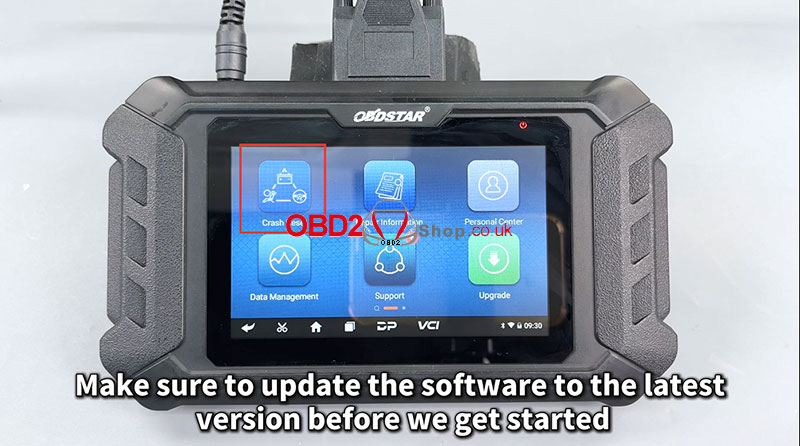
Step-by-Step Procedure:
1. Launch the Software:
Open the diagnostic tool and tap on the [Crash Reset] application. Navigate to [AIRBAG RESET] ’ [AIRBAG RESET V31.37].
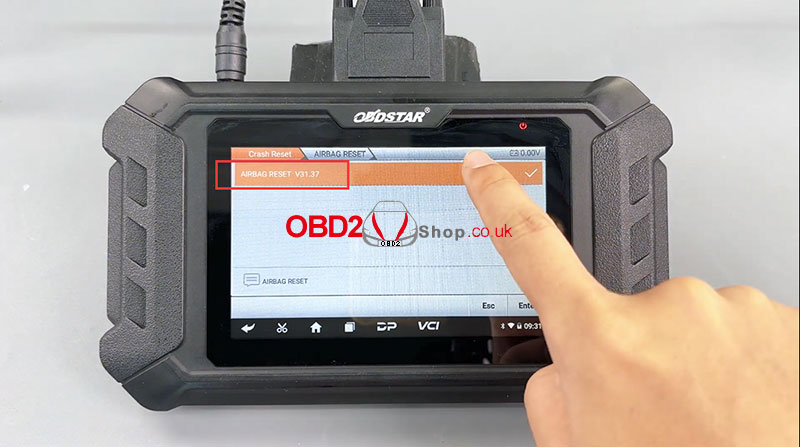
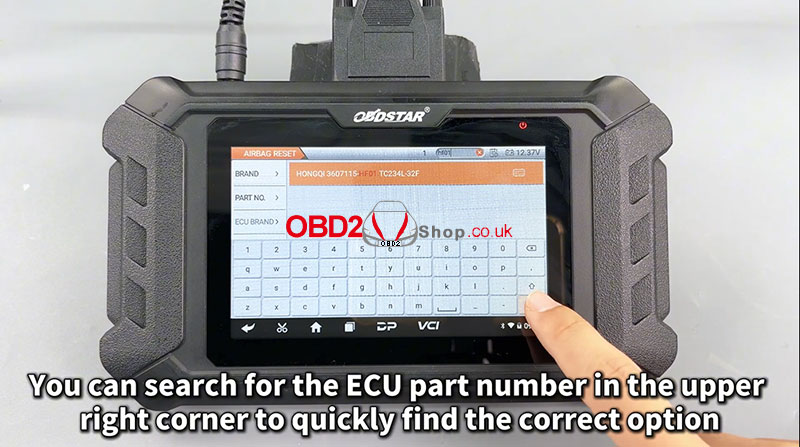
2. Select the Correct ECU:
Use the search function in the upper right corner to quickly locate the ECU by entering its part number: 3607115-HF01.
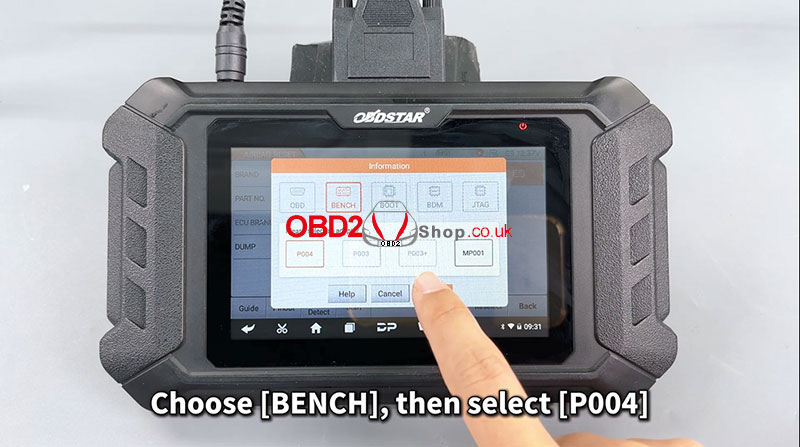
3. Choose Reset Mode:
Select [BENCH] mode, then choose option [P004]. Note that this step requires an active internet connection to connect to the server.
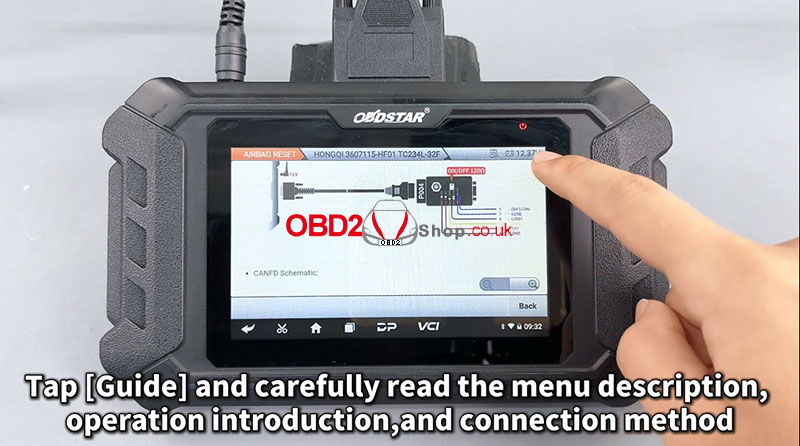
4. Review the Guide:
Tap on [Guide] and carefully read the provided instructions, including menu descriptions, operational steps, and connection methods.
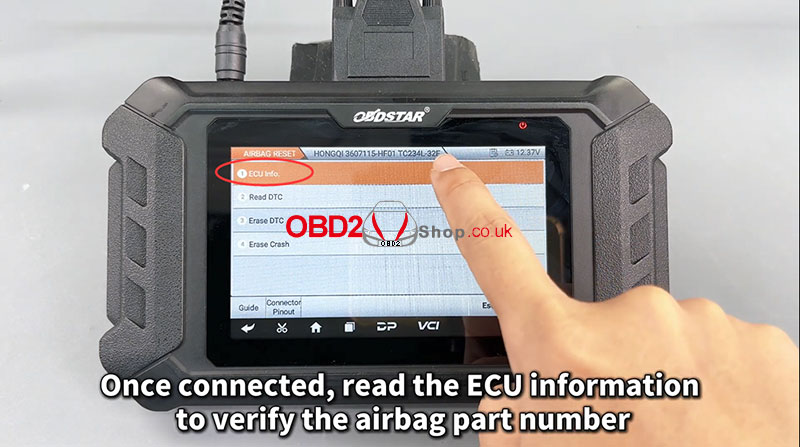
5. Read ECU Information:
Establish a connection to the airbag ECU and read its information to confirm the part number matches.
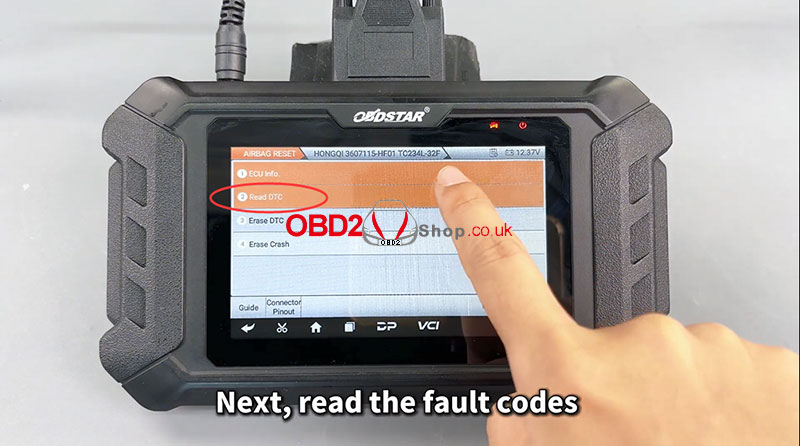
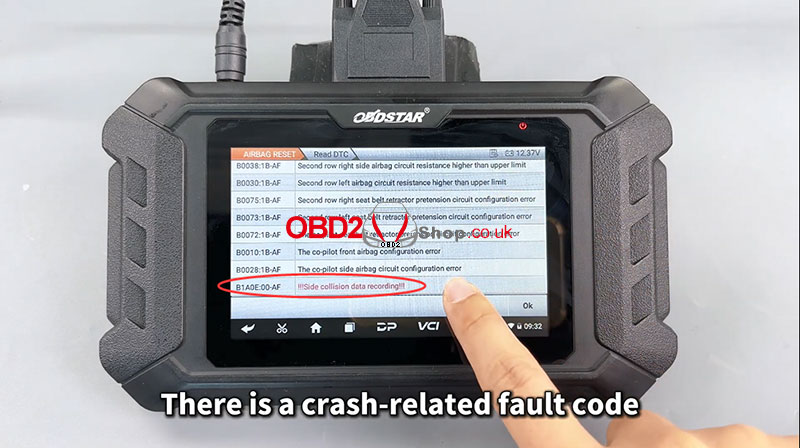
6. Check for Fault Codes:
Proceed to read the fault codes. A crash-related fault code should be present in the list.
7. Erase the Crash Data:
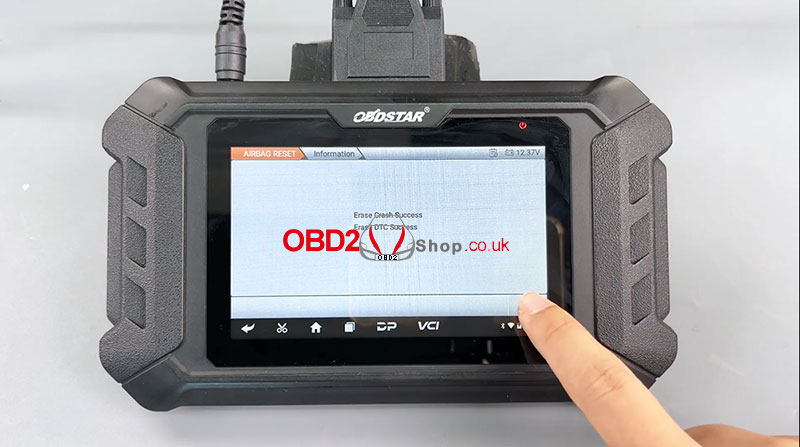
Select the [Erase Crash] option and follow the prompts to complete the operation.
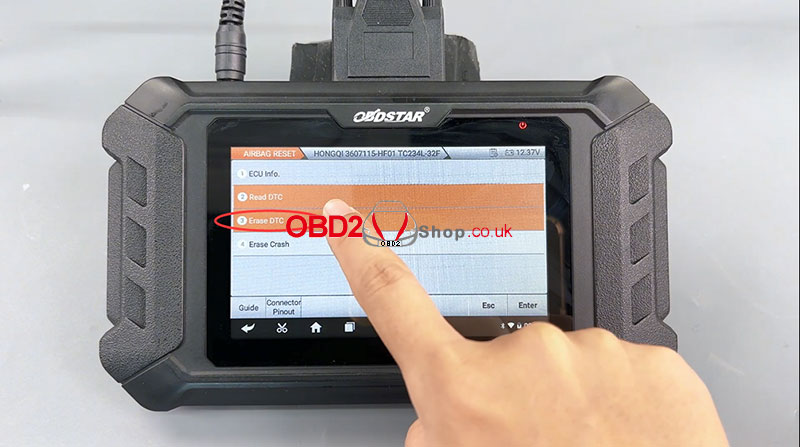
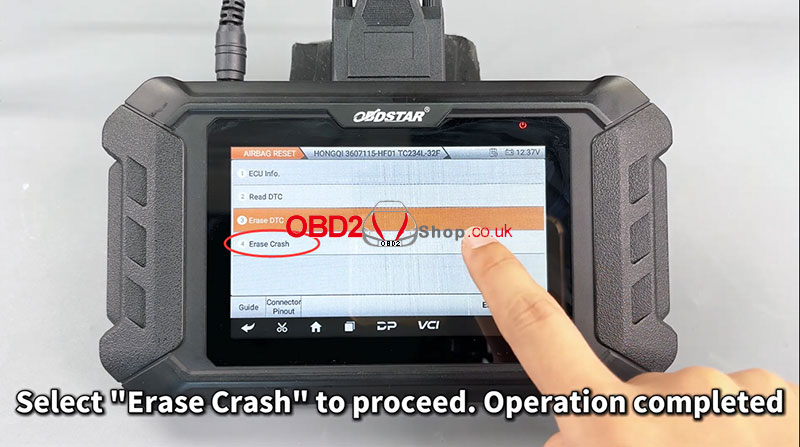
8. Clear Diagnostic Trouble Codes (DTC):
Execute the [Erase DTC] function to clear all fault codes from the system.
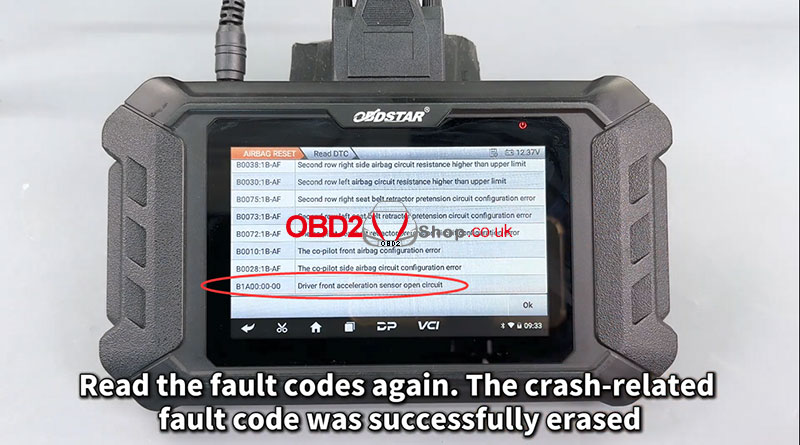
Verification:
Read the fault codes once more to confirm that the crash-related fault code has been successfully erased.
For more diagnostic tools and support, visit:
www.obd2shop.co.uk

| < | listopad, 2025 | > | ||||
| P | U | S | Č | P | S | N |
| 1 | 2 | 3 | 4 | 5 | ||
| 6 | 7 | 8 | 9 | 10 | 11 | 12 |
| 13 | 14 | 15 | 16 | 17 | 18 | 19 |
| 20 | 21 | 22 | 23 | 24 | 25 | 26 |
| 27 | 28 | 29 | 30 | 31 | ||
Svibanj 2026 (1)
Siječanj 2026 (19)
Prosinac 2025 (22)
Studeni 2025 (21)
Listopad 2025 (20)
Rujan 2025 (21)
Kolovoz 2025 (8)
Srpanj 2025 (13)
Lipanj 2025 (9)
Svibanj 2025 (12)
Travanj 2025 (10)
Ožujak 2025 (12)
Veljača 2025 (14)
Siječanj 2025 (8)
Prosinac 2024 (6)
Studeni 2024 (6)
Listopad 2024 (4)
Rujan 2024 (7)
Kolovoz 2024 (14)
Srpanj 2024 (12)
Lipanj 2024 (10)
Svibanj 2024 (13)
Travanj 2024 (12)
Ožujak 2024 (11)
Veljača 2024 (2)
Siječanj 2024 (10)
Prosinac 2023 (8)
Studeni 2023 (6)
Listopad 2023 (7)
Rujan 2023 (9)
Kolovoz 2023 (6)
Srpanj 2023 (10)
Lipanj 2023 (4)
Veljača 2023 (8)
Siječanj 2023 (14)
Prosinac 2022 (13)
Studeni 2022 (14)
Listopad 2022 (18)
Rujan 2022 (9)
Kolovoz 2022 (16)
Srpanj 2022 (11)
Lipanj 2022 (14)
Svibanj 2022 (13)
Travanj 2022 (12)
Ožujak 2022 (12)
Veljača 2022 (13)
Siječanj 2022 (10)
Srpanj 2021 (1)
Dnevnik.hr
Gol.hr
Zadovoljna.hr
Novaplus.hr
NovaTV.hr
DomaTV.hr
Mojamini.tv