How to Clone BMW G/U Chassis BDC3 Key with Xhorse Key Tool Plus?
30.12.2025.This guide provides a step-by-step tutorial on cloning a BMW G/U Chassis BDC3 key using the Xhorse VVDI Key Tool Plus. The process is simple and applicable to Key Tool MIDI and VVDI2 as well.
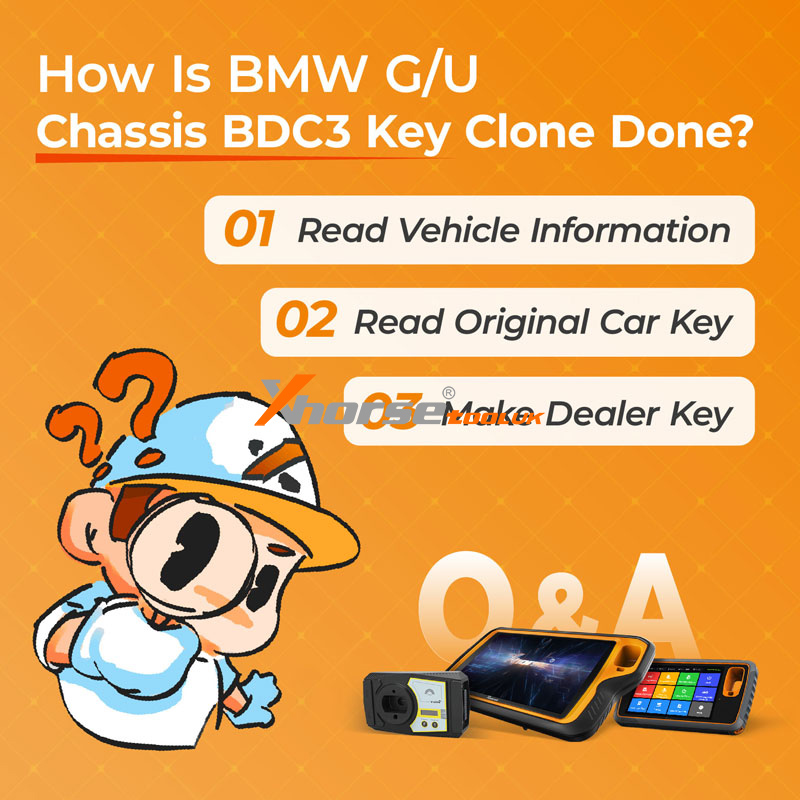
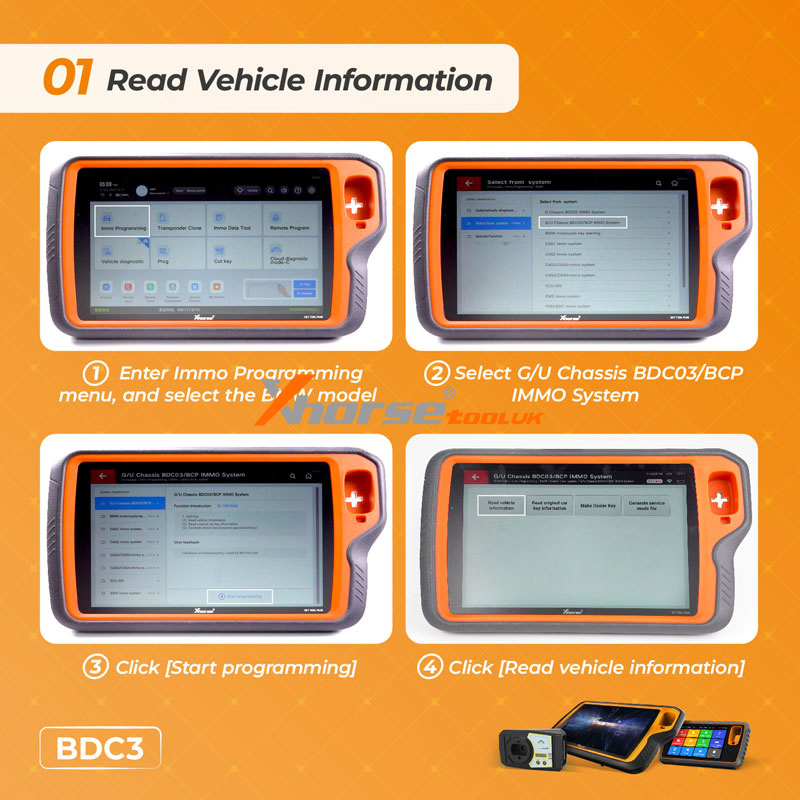
Step 1: Read Vehicle Information
` Enter the Immo Programming menu and select the BMW model.
a Choose G/U Chassis BDC03/BCP IMMO System.
b Click Start Programming.
c Click Read Vehicle Information to retrieve BDC3 data.
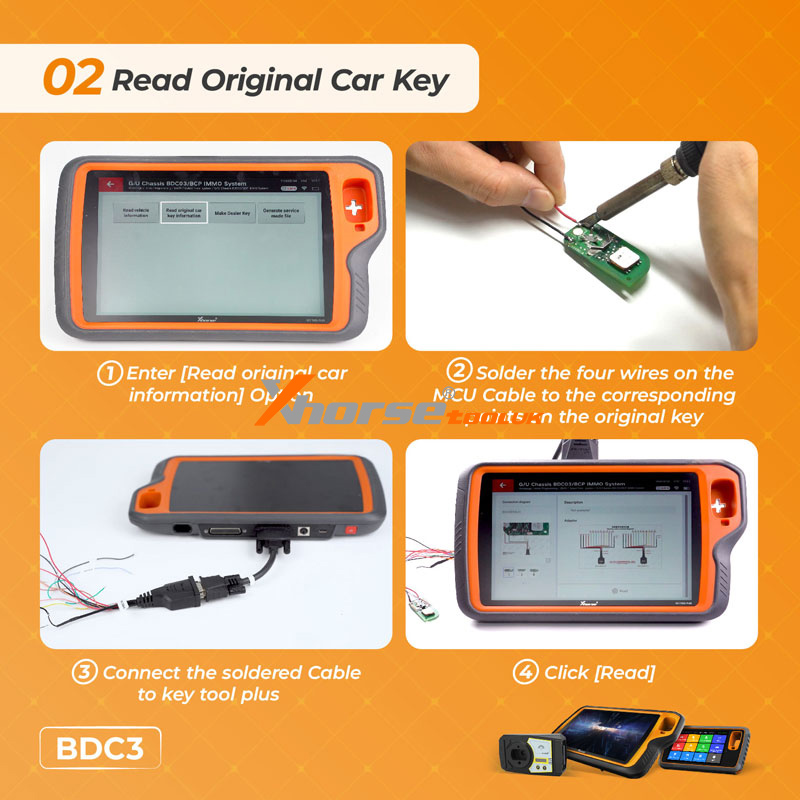
Step 2: Read Original Car Key
` Select Read Original Car Information.
a Solder four wires from the MCU Cable to the original key’s contact points.
b Connect the cable to the Key Tool Plus.
c Click Read to extract the key data.
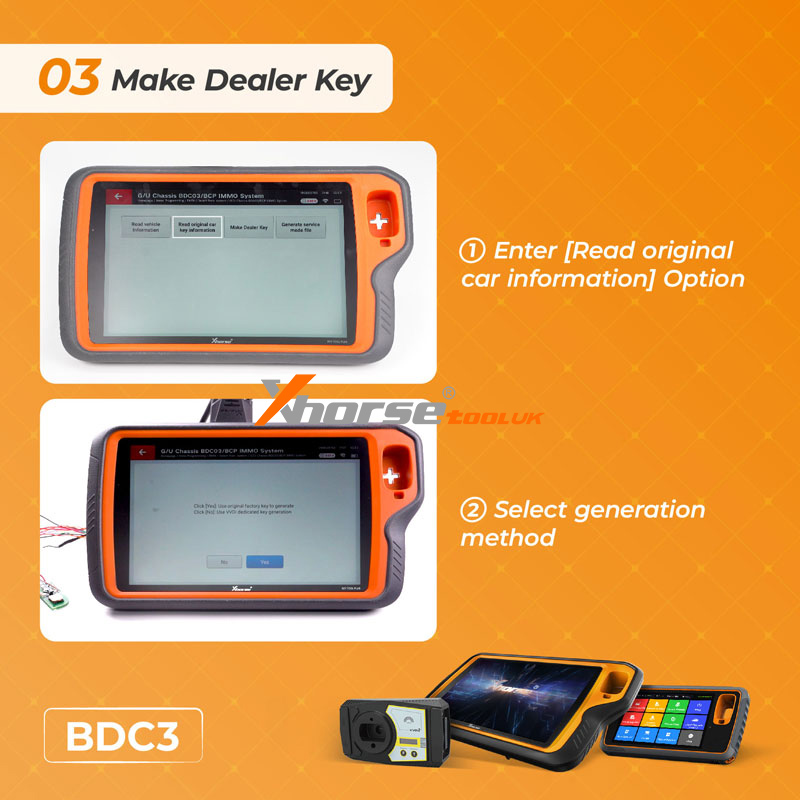
Step 3: Make Dealer Key
` Re-enter the Read Original Car Information.
a Select your preferred generation method.
The Key Tool Plus will generate a cloned BDC3 key ready for use.
www.xhorsetool.co.uk
Oznake: xhorse vvdi key tool plus
komentiraj (0) * ispiši * #
Xhorse VVDI Key Tool Plus SFD Manual Unlock Tutorial for VAG
16.12.2025.Great news: The latest Xhorse VVDI Key Tool Plus database now supports manual unlocking of VAG/Audi SFD security gateways.
This guide outlines the step-by-step process for unlocking SFD-protected control units, enabling vehicle diagnostics and key programming.
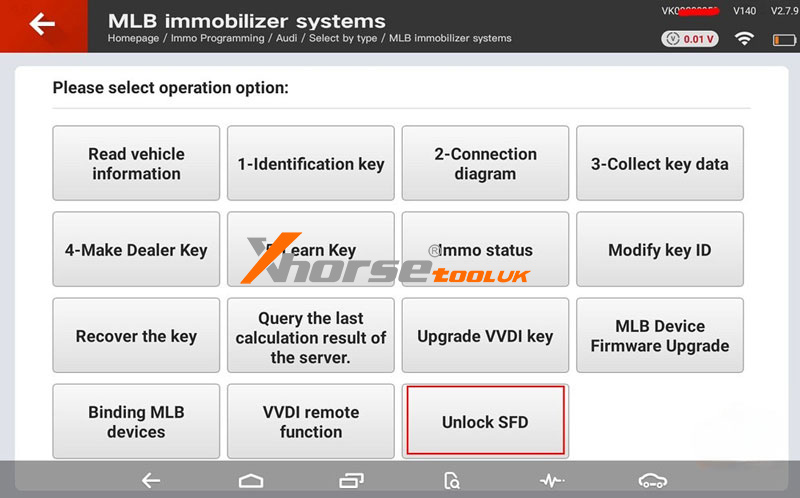
Applicable Devices:
VVDI Key Tool Plus
VVDI Key Tool MIDI
Before You Begin:
Ensure your device database is updated to the latest version.
Note: Automatic SFD unlocking is not supported - you must obtain the calculation code manually from a third-party service.
3-Step Unlock Process:
Step 1: Get Vehicle Seed
` Select "Unlock SFD" on your VVDI device
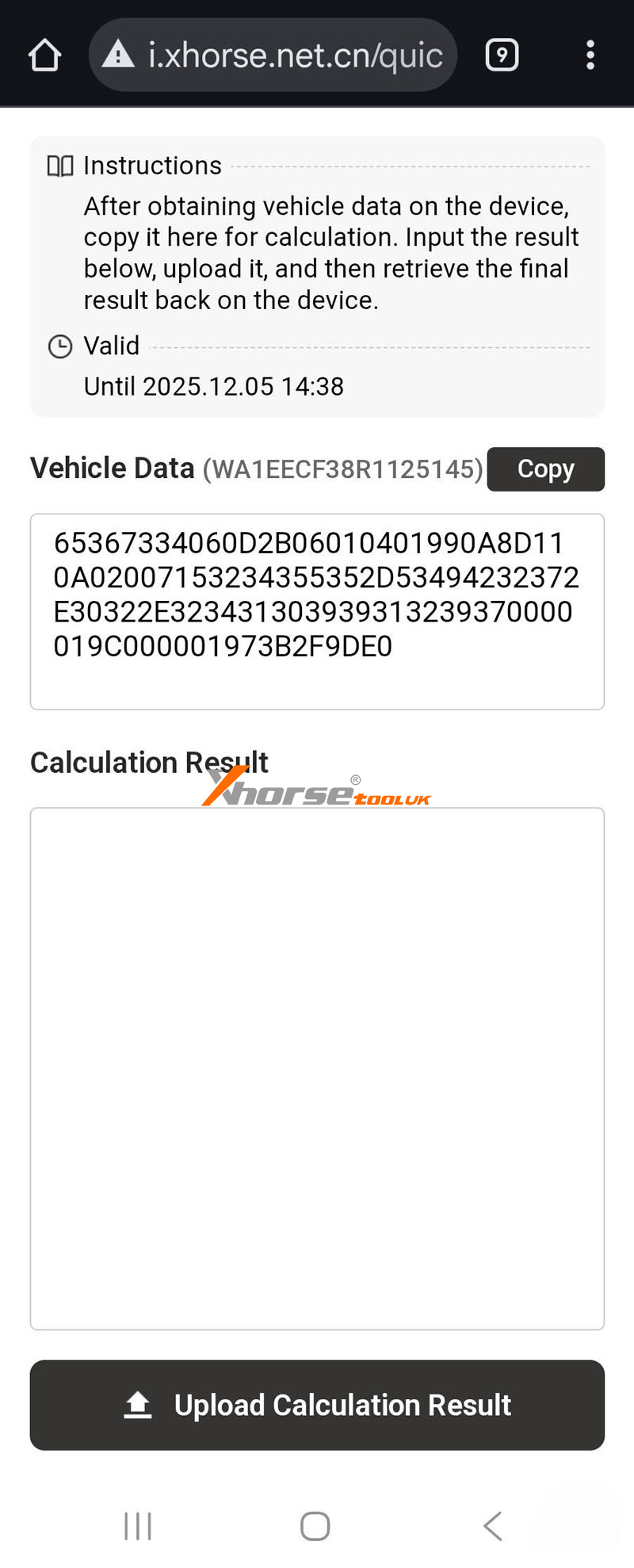
a Scan the displayed QR code to access vehicle data
b Obtain the SFD seed code through OBD connection
Step 2: Calculate Unlock Code
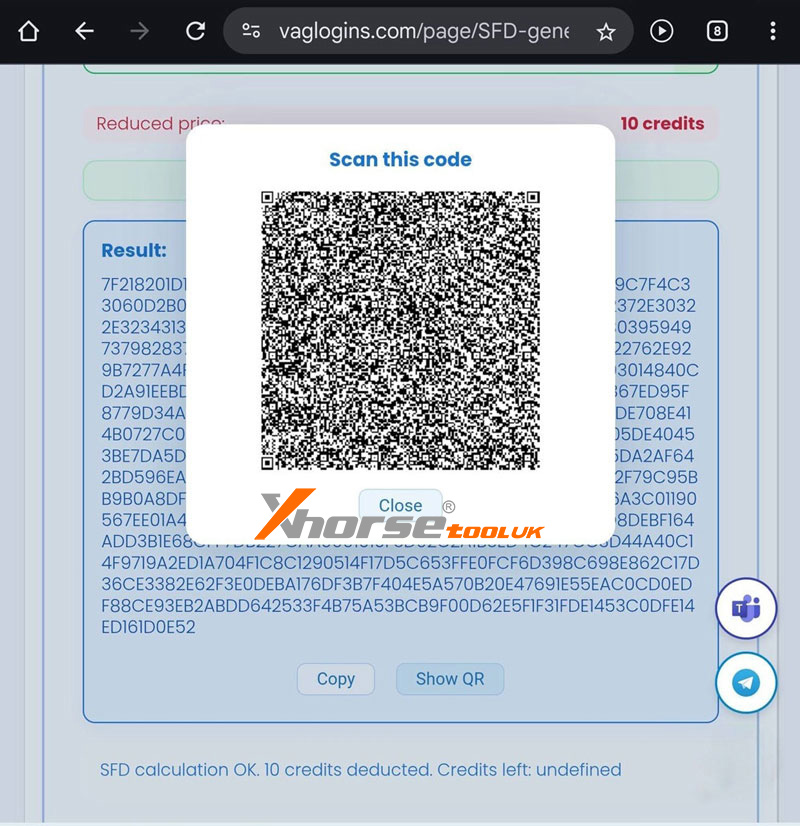
` Send the seed code to a third-party calculation service
a Receive the corresponding response code
Step 3: Complete Unlock
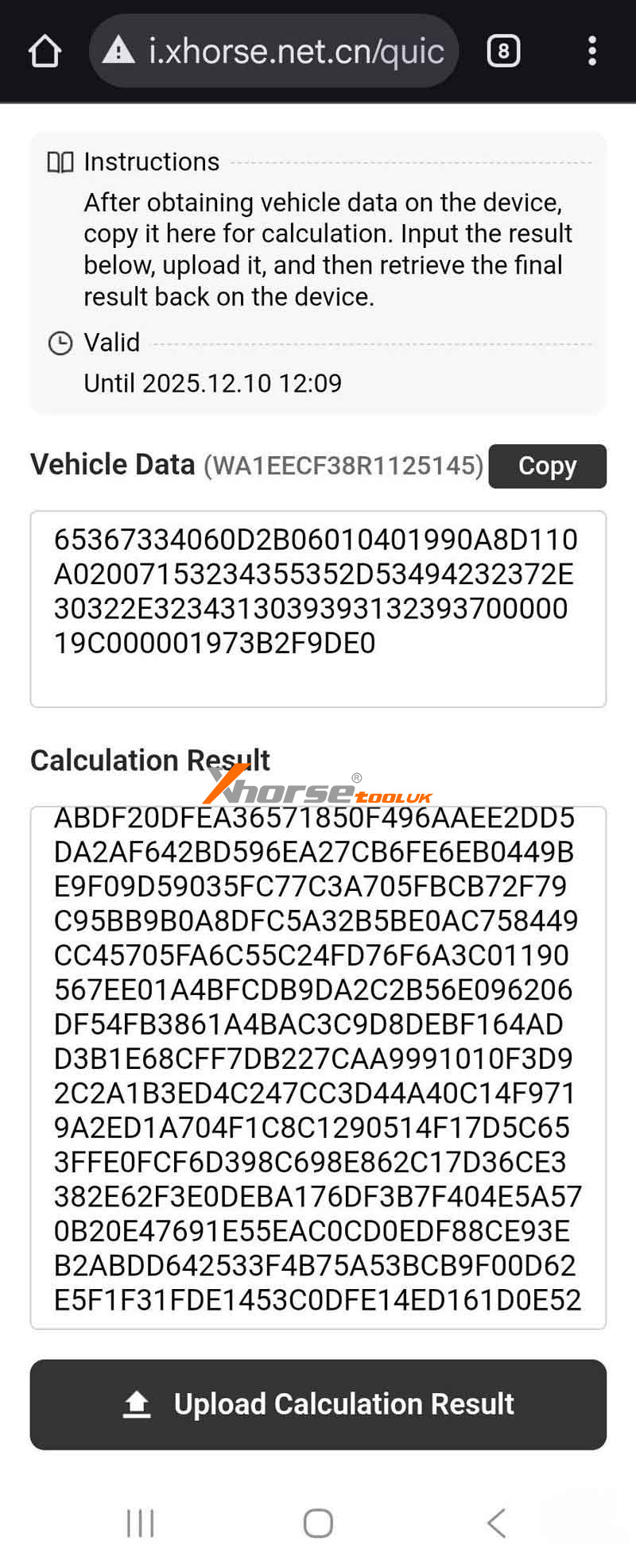
` Enter the response code into your VVDI device
a Confirm "Unlock Success" notification
b Gateway remains unlocked for 90 minutes for key programming and diagnostics
Important Notes:
` SFD1 only - Does not support SFD2
a The entire process requires manual code calculation
b Ensure stable vehicle connection during operation
c Use the unlock window for dealer key generation and key learning
After Unlock:
Proceed with key programming functions within the 90-minute access period.
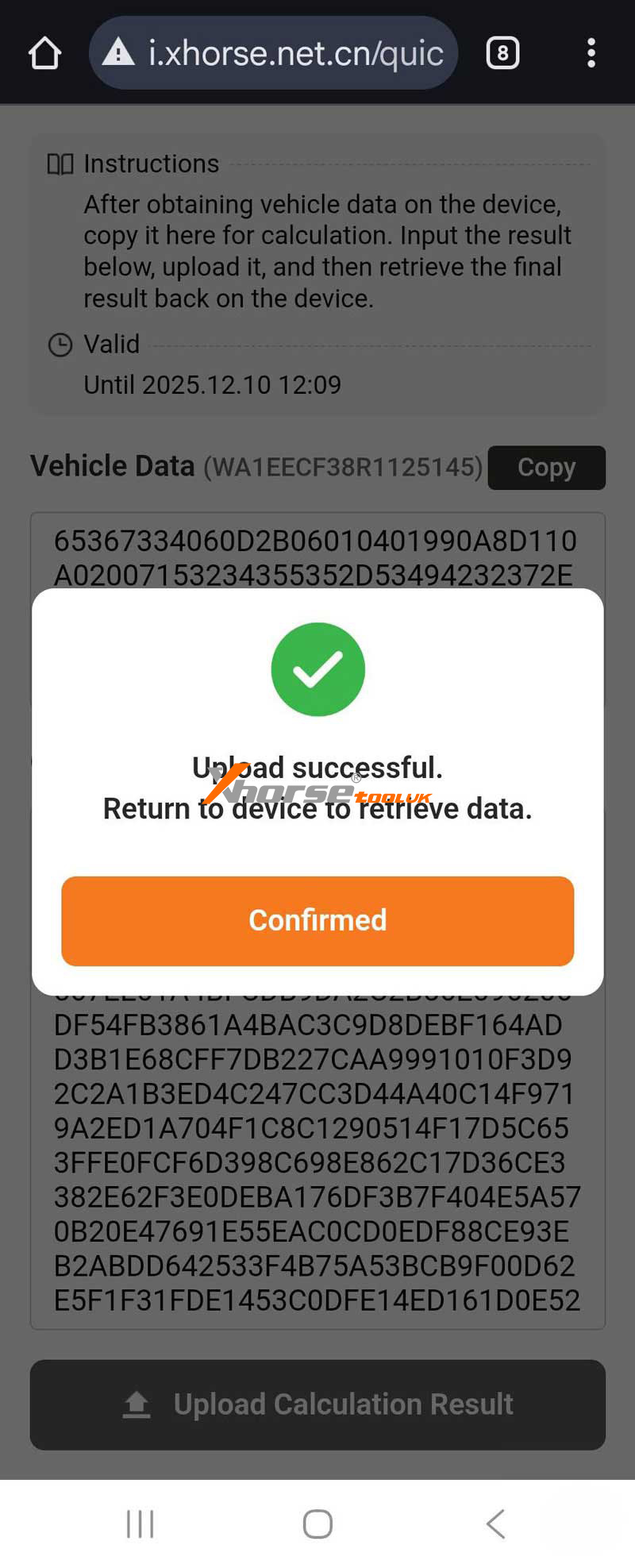
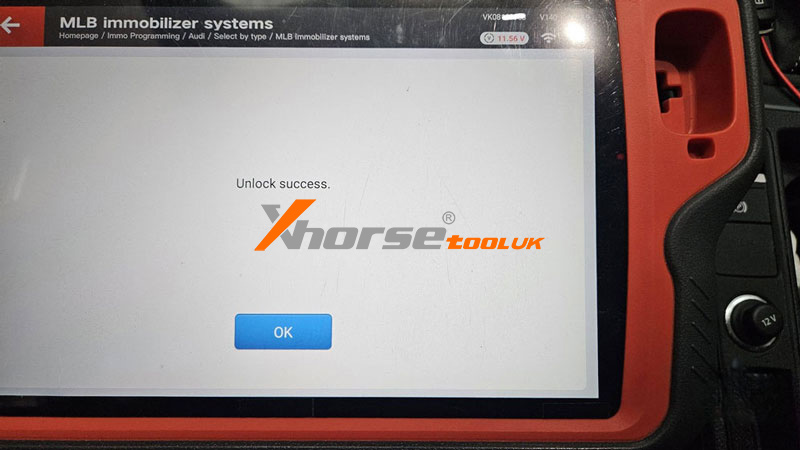
www.xhorsetool.co.uk
Oznake: vvdi key tool plus
komentiraj (0) * ispiši * #
Xhorse Multi-Prog Review: Easy Clone A VW CC MED17.1ECU
03.12.2025.Hey everyone, let me walk you through an ECU cloning job I just wrapped up using the Xhorse MultiProg. A customer dropped off two modules - one original and a used one from eBay - and asked me to copy the data from the original to the replacement. No complicated instructions, just a straightforward clone. Here's how it went.
Step1. Connect
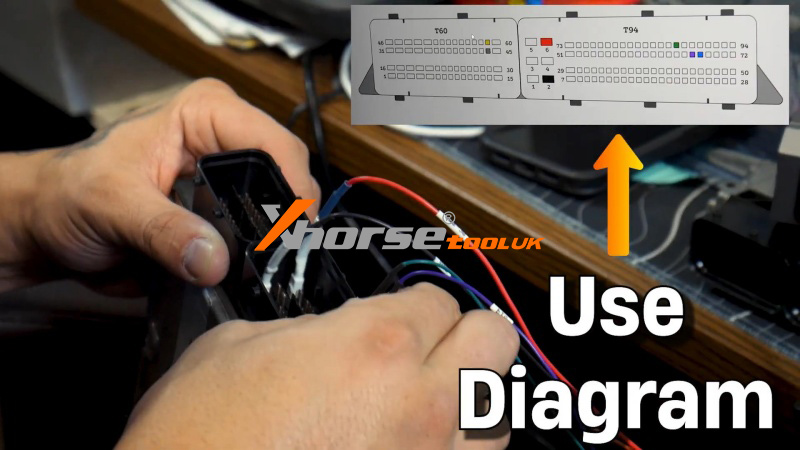
First, I hooked up the original ECU. The Multi-Prog makes pin-outs super clear, so even if you're not a wiring diagram expert, you'll get it right. I selected the ECU model - in this case, a VW CC with an MED 17.1 - and hit Connect.
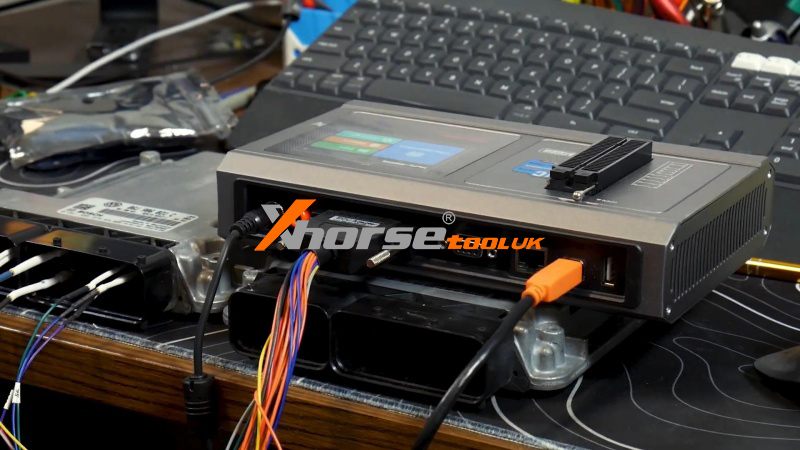
Step2. Read EPROM & Flash
Once connected, I focused on two key sections:
Internal EPROM and Internal Flash.
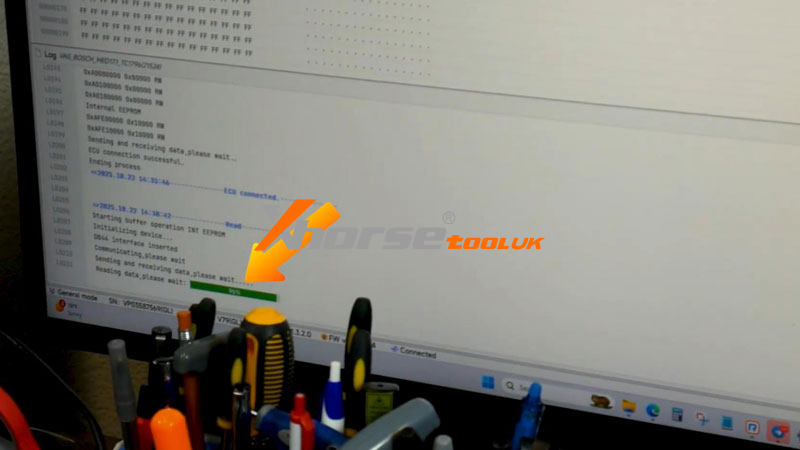
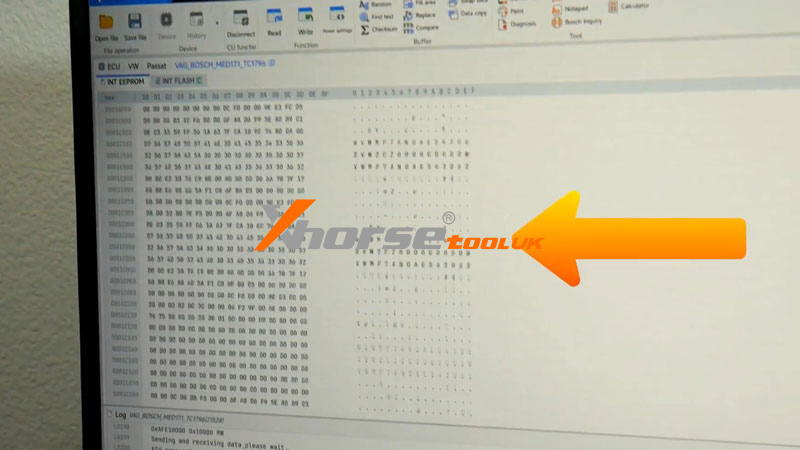
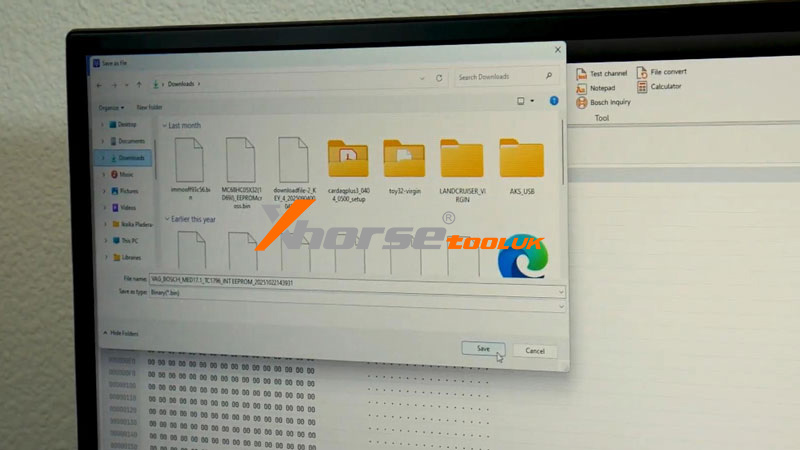
I started by reading the Internal EPROM. Hit the read button, waited for the progress bar, and checked to make sure the data wasn't blank. Everything looked good, so I saved the file.
Next, I moved to the Internal Flash. Reading this takes a bit longer since the file is larger, but once it finished successfully, I scrolled through to verify the data and saved it, too.
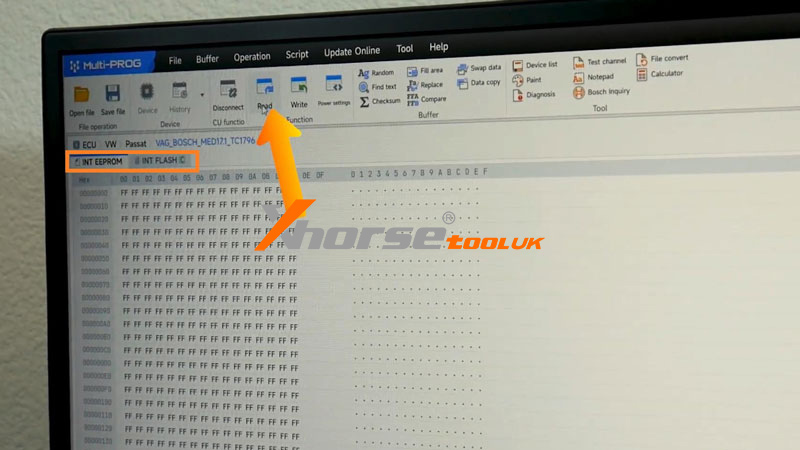
Step3. Write
Then I switched over to the used ECU. Following the same pin-out diagram, I connected to it, opened the saved EPROM file, and hit Write. After that, I did the same for the Flash file.
And that's basically it. After writing both files, I disconnected everything. The customer just needs to plug the cloned ECU into the vehicle and perform a mileage calibration. Once that's done, the car should start right up.
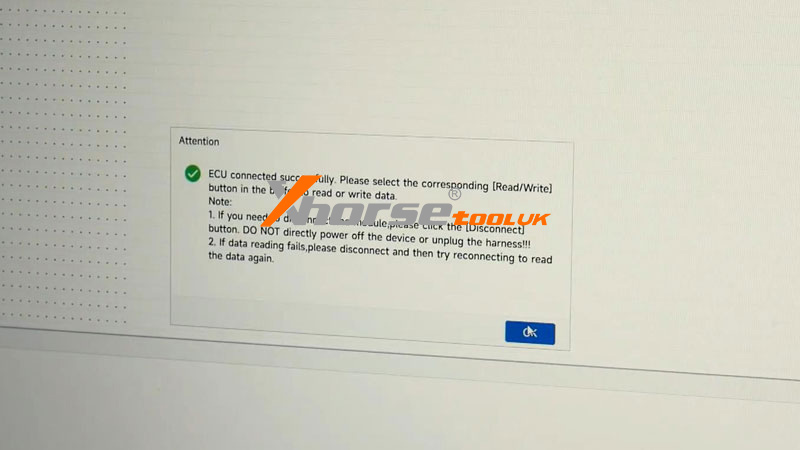
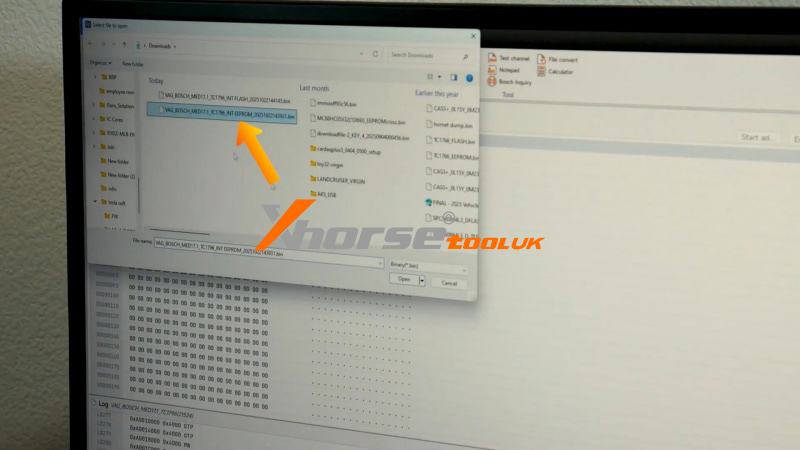
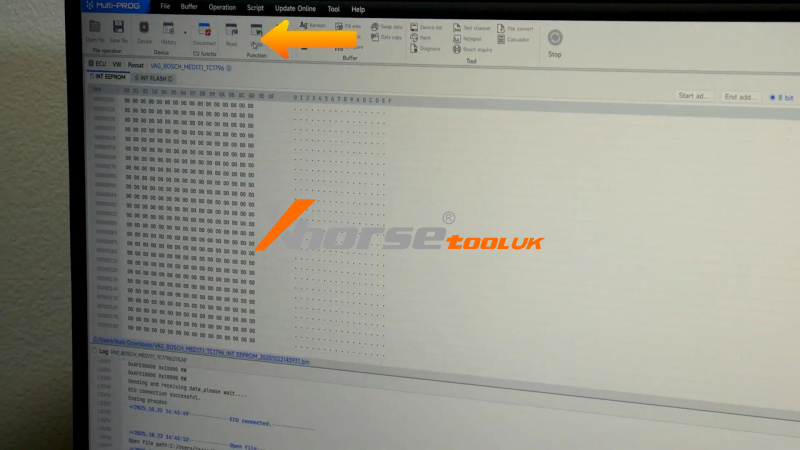
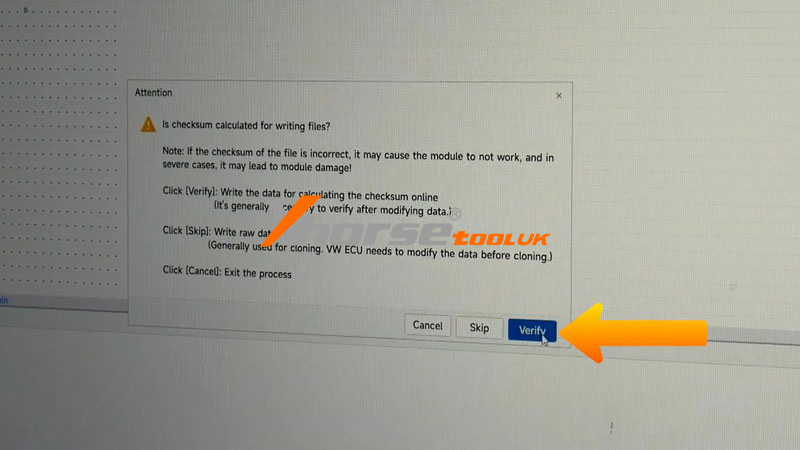
The Xhorse MultiProg really keeps things simple - even if you mix up the pins, it's pretty tough to break anything. Whether you're new to ECU work or a seasoned tech, this tool makes cloning straightforward and reliable.
For more info on tools, supplies, or locksmith training, visit www.xhorsetool.co.uk
komentiraj (0) * ispiši * #
Wireless Remote vs. Super Remote: A Comparative Overview
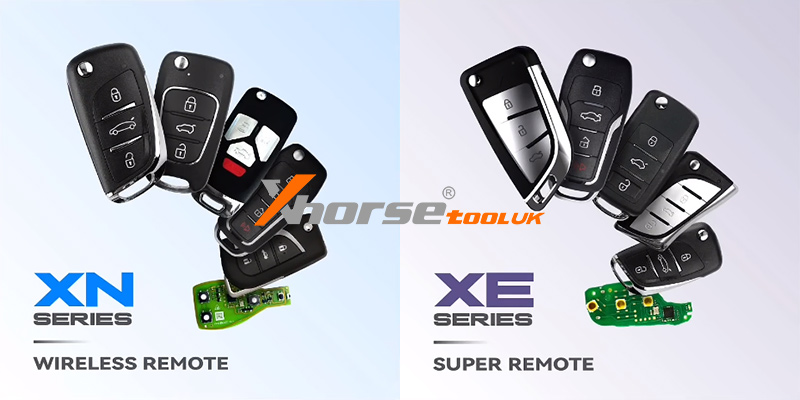
01.12.2025.This guide outlines the key differences between the Wireless Remote and Super Remote, including their hardware, supported types, and usage notes.
1. Core Identification & Hardware
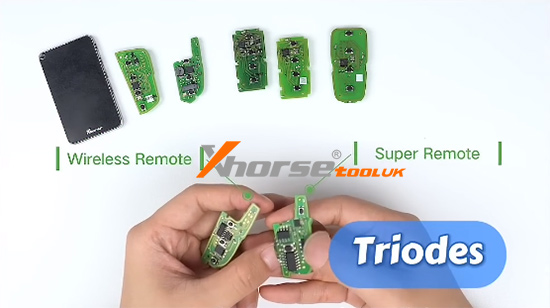
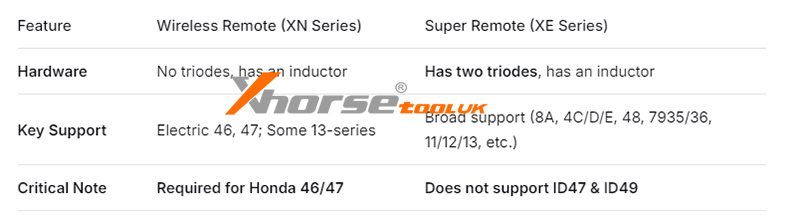
Wireless Remote: Corresponds to the XN series. It has an inductor on the back but does not contain triodes (transistors).
Super Remote: Corresponds to the XE series. It features two triodes (transistors) and also has an inductor on the back.
Common Requirement: For both remotes, the battery must be installed during the key generation process.

2. Supported Types & Applications
Wireless Remote
Supports:
Electric models: 46, 47, and others.
Some 13 transponder models.
Important Note: Honda models 46 and 47 specifically require generation with a Wireless Remote.
Super Remote
Supports a wide range of types, including:
8A (Toyota H / Hyundai 8A, cloneable)
8C (Haima)
8E (Honda)
4C (Corolla)
4D (60, 63, 70, 80, 83, 72G, 67, 69)
4E (64)
48 (VW, Honda, etc.)
7935 (33, 40, 41, 42, 43, 44)
7936 (46)
11, 12, 13
Important Note: It does not support ID47 and ID49.
Summary of Key Differences:
For more information, visit: www.xhorsetool.co.uk
Oznake: xhorse remote key
komentiraj (0) * ispiši * #