Xhorse VVDI Key Tool Plus Program 2007 Ducati Monster All Keys Lost
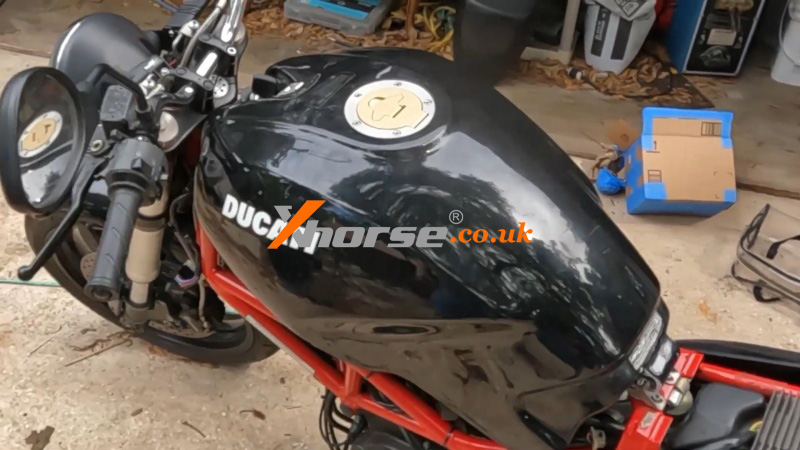
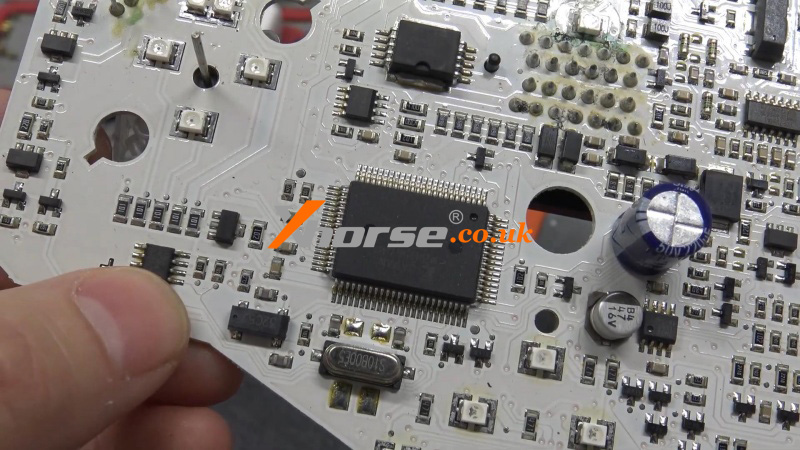
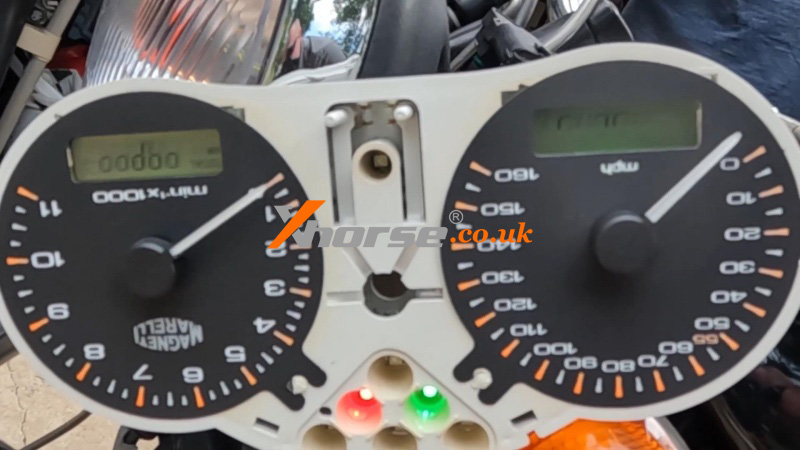
22.04.2025.We’re going to make a key for this 2007 Ducati Monster 695. Using the Xhorse VVDI Key Tool Plus, we’ll first read the IMMO data and then write it onto a super chip to start the bike. Here’s the cluster—you can see the EPROM 24C02 chip where we’ll extract the data.
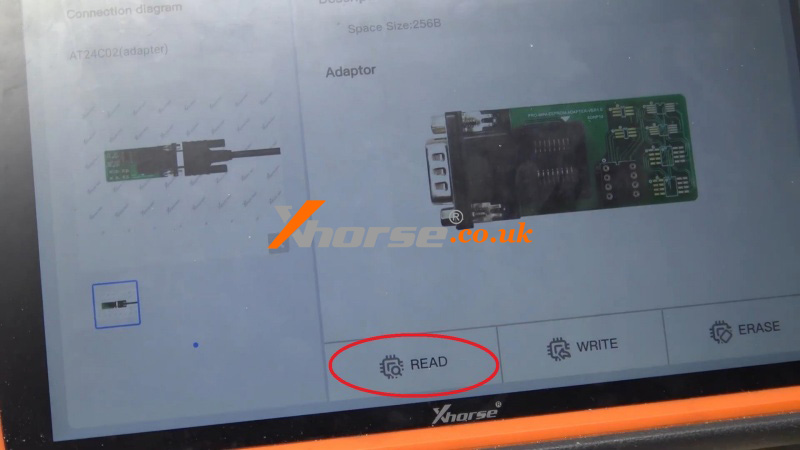
Prog >> EEPROM and FLASH >> ATMEL >> AT24CXX >> AT24C02 >> READ >> Start
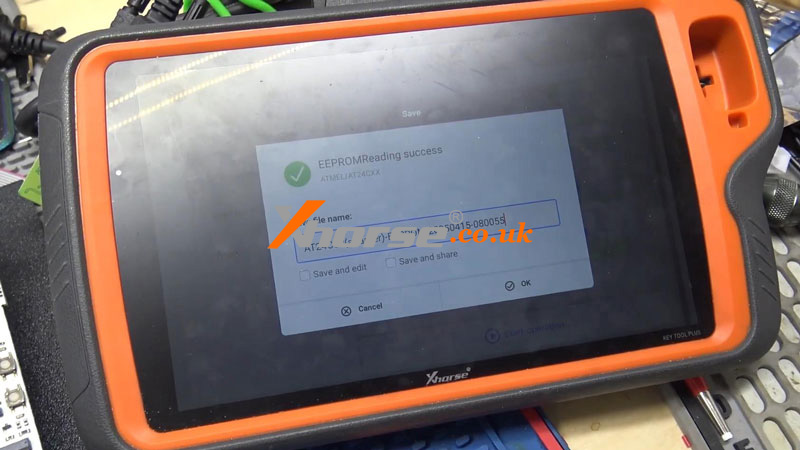
EEPROM reading success.
Save EEPROM data file.
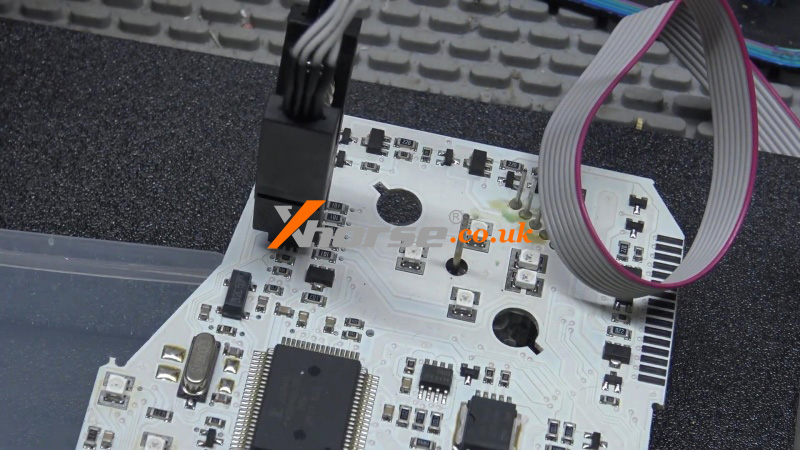
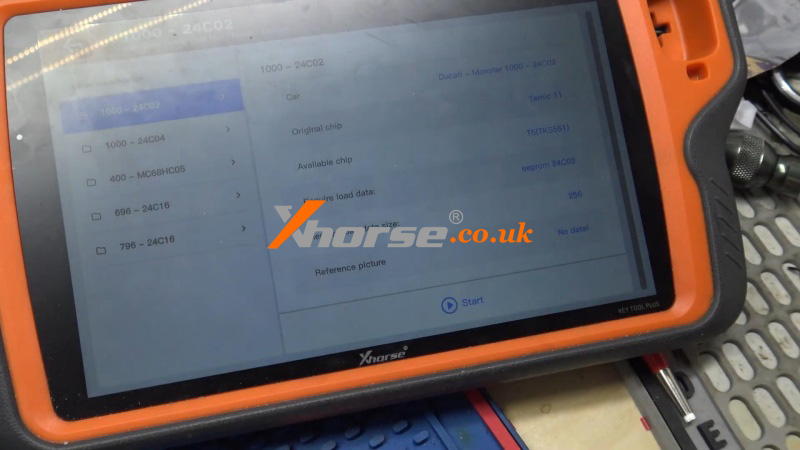
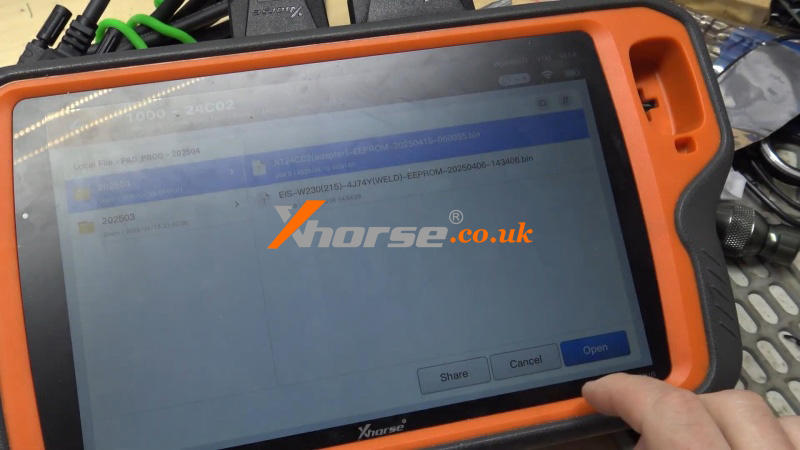
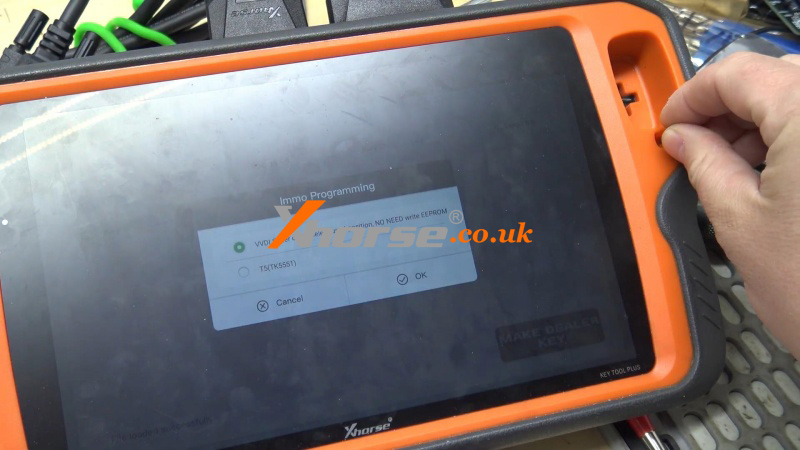
Immo data tool >> Ducati >> Monster >> 1000 - 24C02 >> Start >> Load EEPROM file >> Key 2 >> MAKE DEALER KEY >> VVDI Super Chip - select used position, NO NEED write EEPROM
Put a VVDI Super Chip into the Key Tool Plus coil.
Click OK.
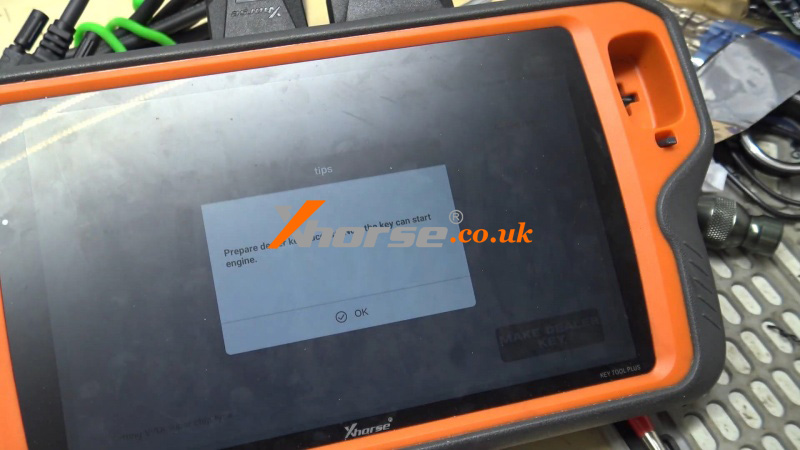
Prepare the dealer key success. Now the key can start the engine.
Let's go out to try the Ducati motorcycle.
And now the bike can start.
Perfectly done.
www.xhorse.co.uk
Oznake: vvdi key tool plus
komentiraj (0) * ispiši * #
3 Methods to Disassemble Xhorse VVDI Remote Keys
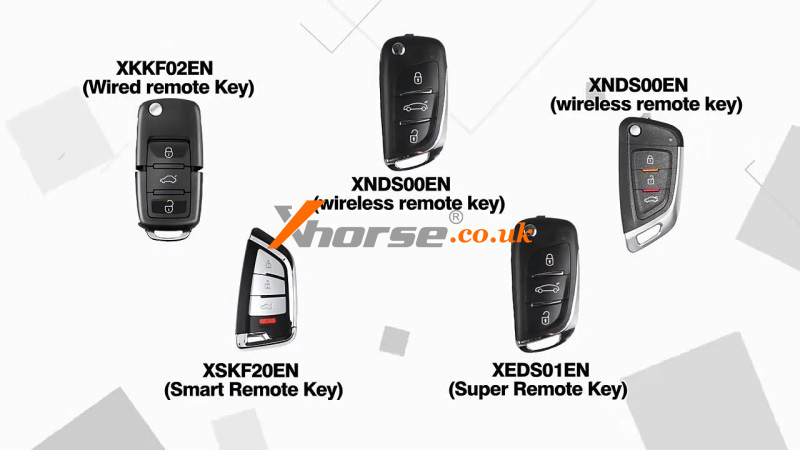
15.04.2025.This is a tutorial on how to disassemble Xhorse VVDI Remote Keys. They are divided into 5 types: Super Remote XE Series, Smart Remote XS Series, Wired Remote XK Series, Wireless Remote XN Series, and Special Remote PCB Exclusivly XZ Series.
The removal of VVDI remote keys is easy. There are 3 methods:
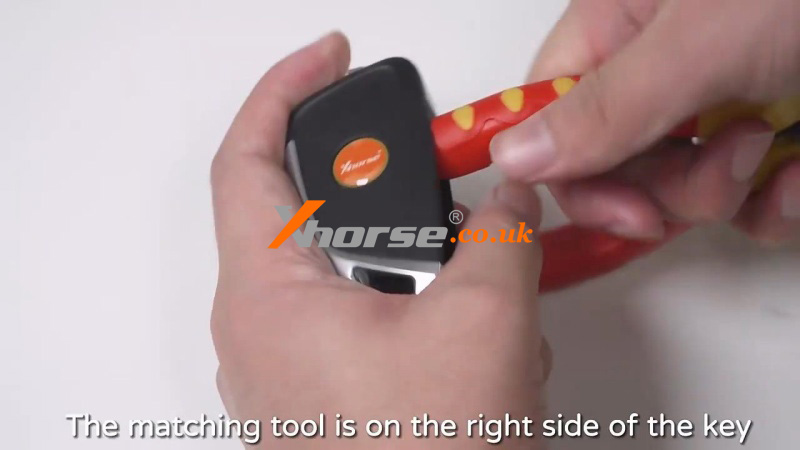
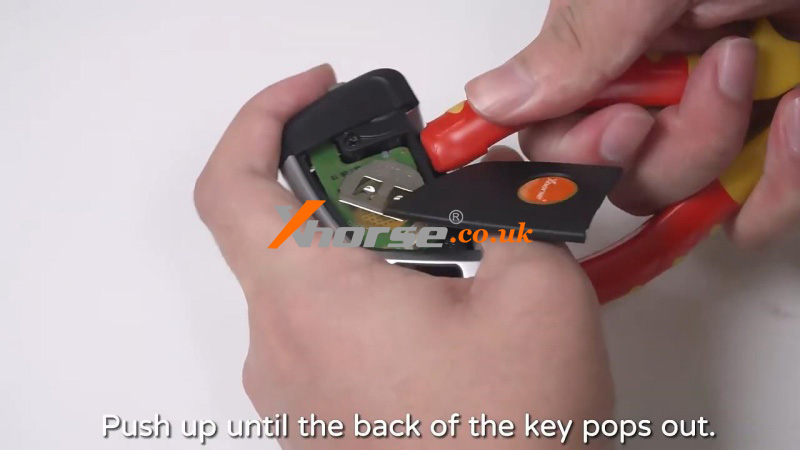
1) The matching tool is on the right side of the key. Stuff the tool and push up until the back of the key pops out.
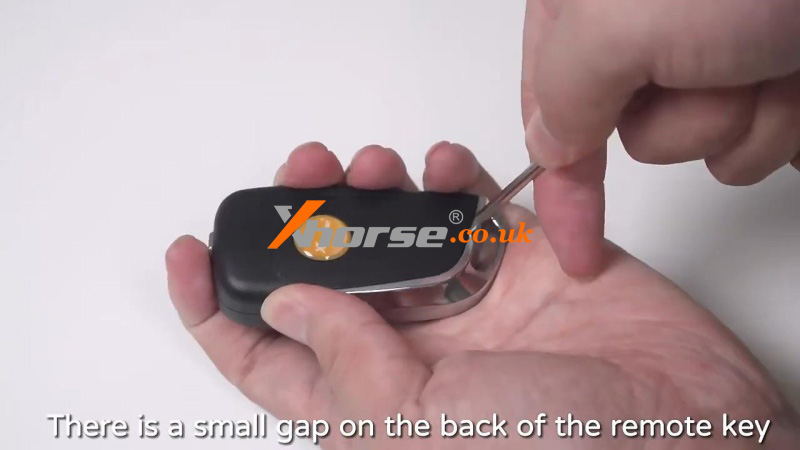
2) There is a small gap on the back of the remote key. Use a tool to pry up the back shell in the gap.
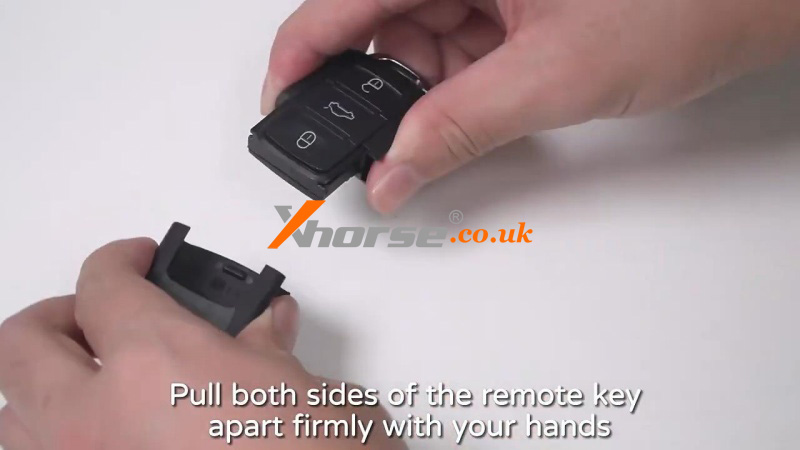
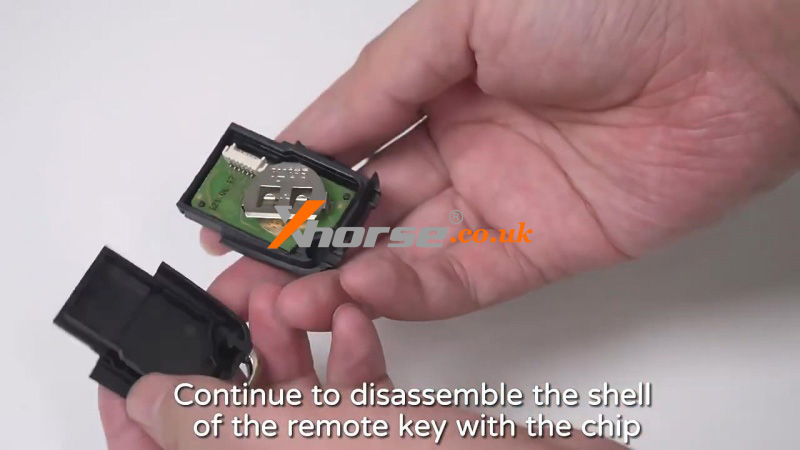
3) Pull both sides of the remote key apart firmly with your hands. Take out the shell of the other half of the remote key. Continue to disassemble the shell of the remote key with the chip.
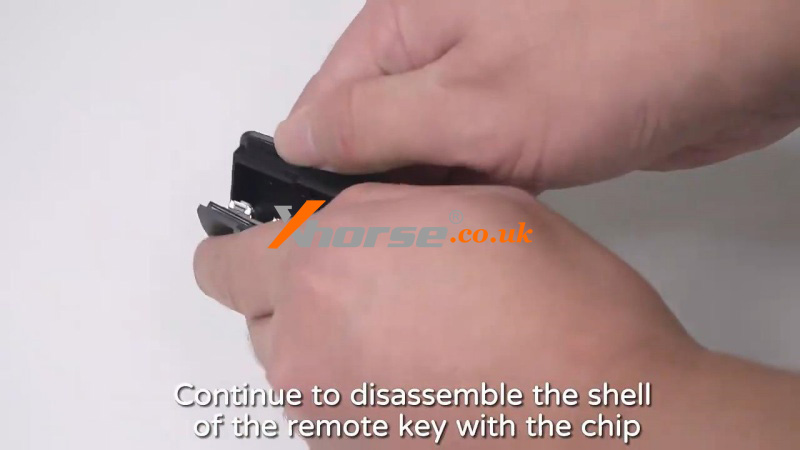
We can see from the image that the front and back of the internal chip for the 5 types are different.
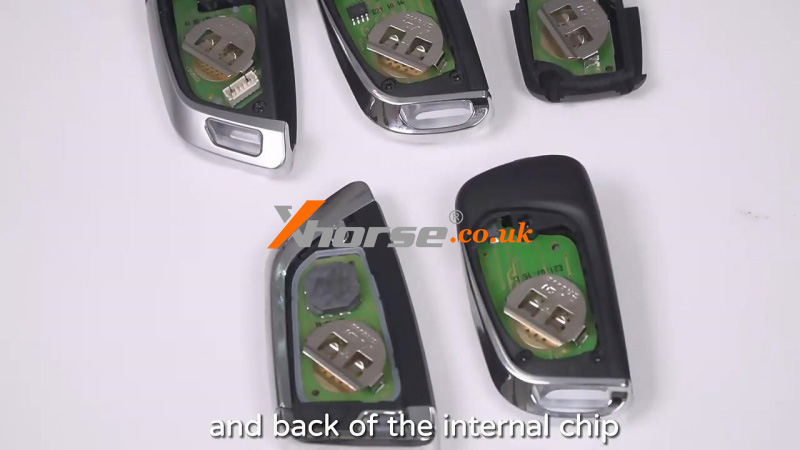
Of course, they have different connection methods with other Xhorse devices: wireless and wired.
www.xhorse.co.uk
Oznake: xhorse remote key
komentiraj (0) * ispiši * #
Can Xhorse VVDI Key Tool Plus Support MQB48 Adapter?
08.04.2025.Yes, Xhorse VVDI Key Tool Plus has the menu to work with the MQB48 Adapter. But for now, it's more recommended to work with Xhorse MLB Tool on PC because it will take less time to collect key data on PC than Key Tool Plus.
Where's the MQB48 Adapter Menu on Key Tool Plus?
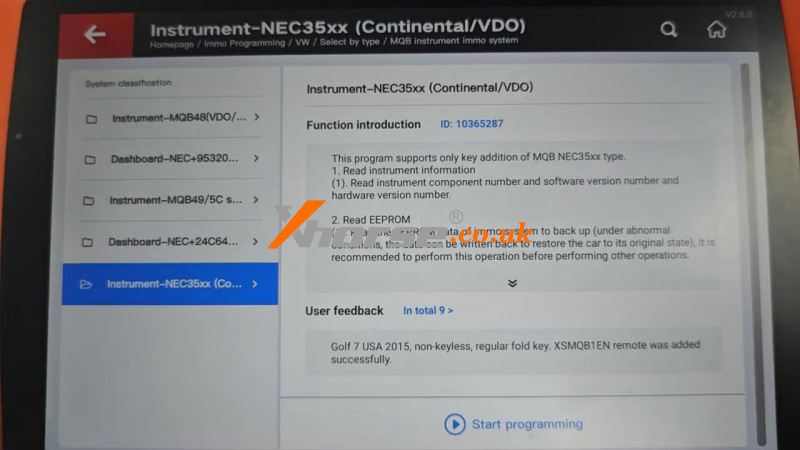
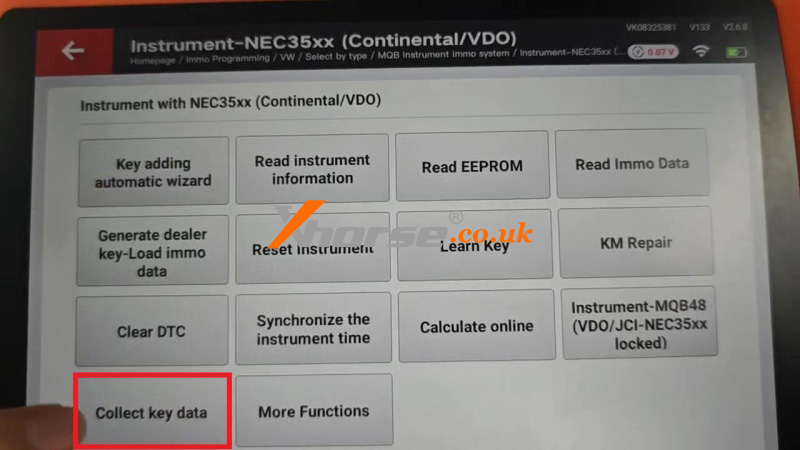
IMMO Programming>>VW>>Select by type>>MQB instrument immo system>>NEC35xx(Continental/VDO) >> Start programming >> Collect key data
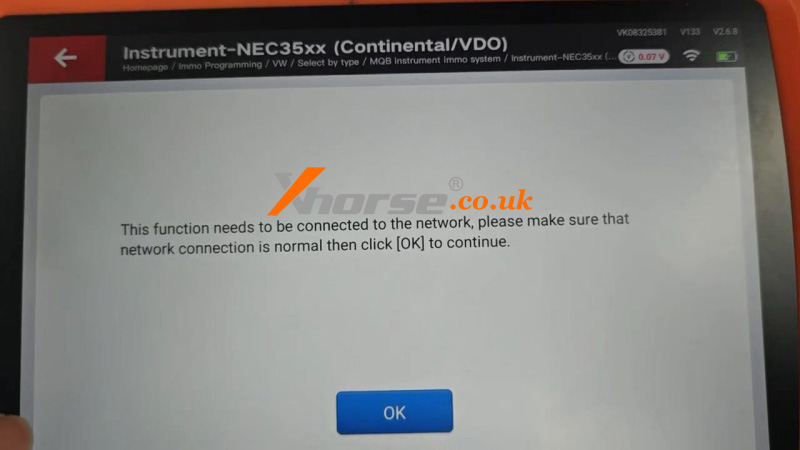
This function needs to be connected to the network. Please make sure that the network connection is normal, then click OK to continue.
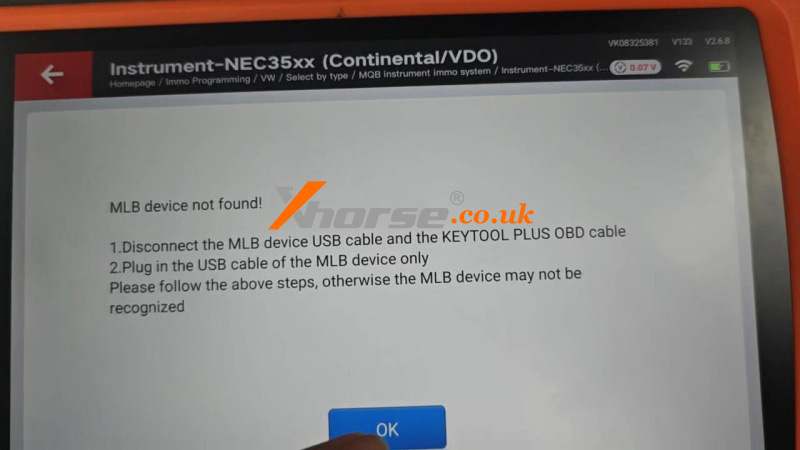
If the MLB device is not found!
1. Disconnect the MLB device USB cable and the Key Tool Plus OBD cable.
2. Plug in the USB cable of the MLB device only.
Please follow the above steps; otherwise, the MLB device may not be recognized.
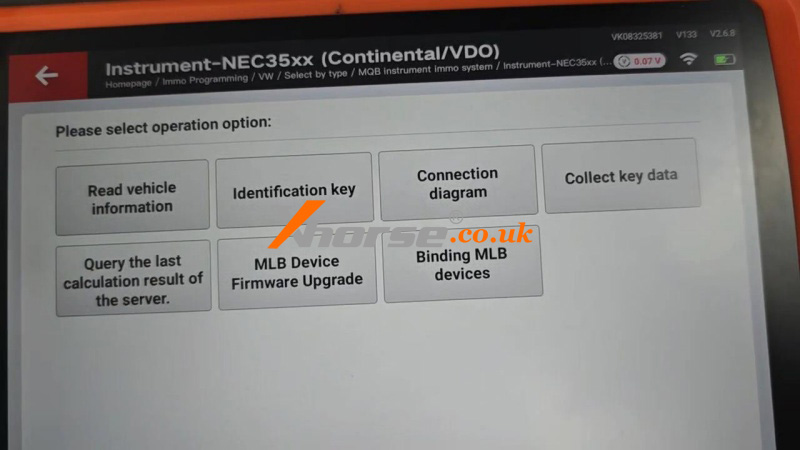
Here, we can read vehicle information, identification key, check the connection diagram, collect key data, query the last calculation result of the server, MLB device firmware upgrade, and bind the MLB device.
www.xhorse.co.uk
Oznake: vvdi key tool plus
komentiraj (0) * ispiši * #
Xhorse MLB Tool + Key Tool Plus Collect 2019 Audi Q7 Key Data
02.04.2025.Today I’m gonna show how to collect 2019 Audi Q7 key data with Xhorse MLB Tool + VVDI Key Tool Plus. This will need to deduct 200 remote points for calculation.
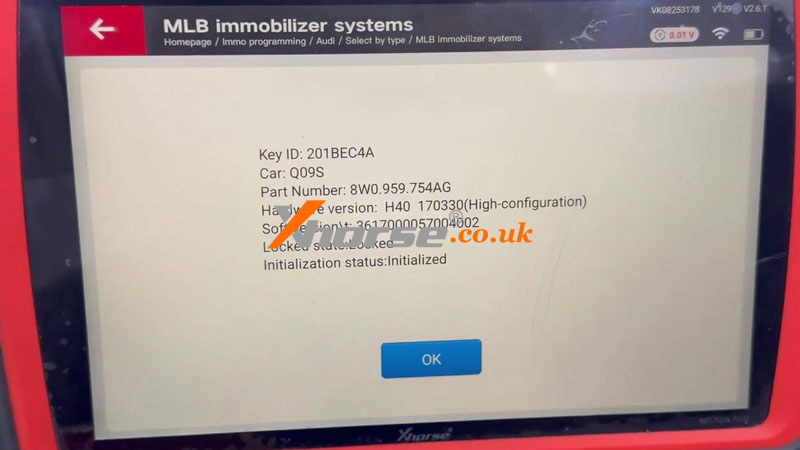
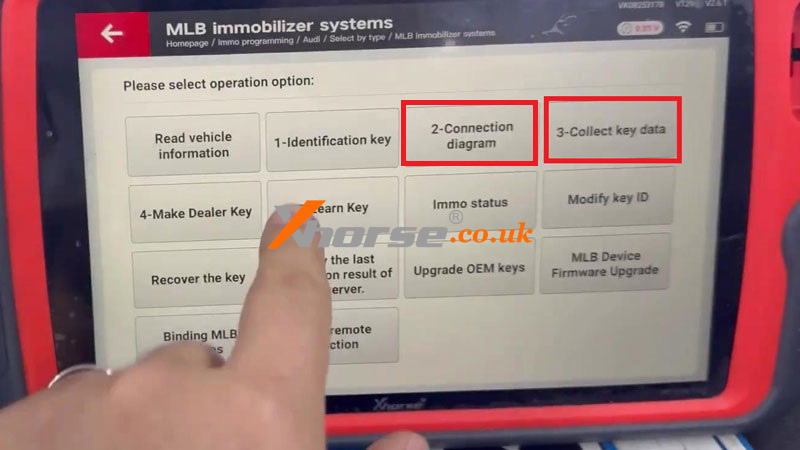
Immo programming >> Audi >> Select by type >> MLB immobilizer systems >> Start programming
This function needs to be connected to the network, please make sure that the network connection is normal then click OK to continue.
Connection diagram >> Type2 Audi/Lamborghini
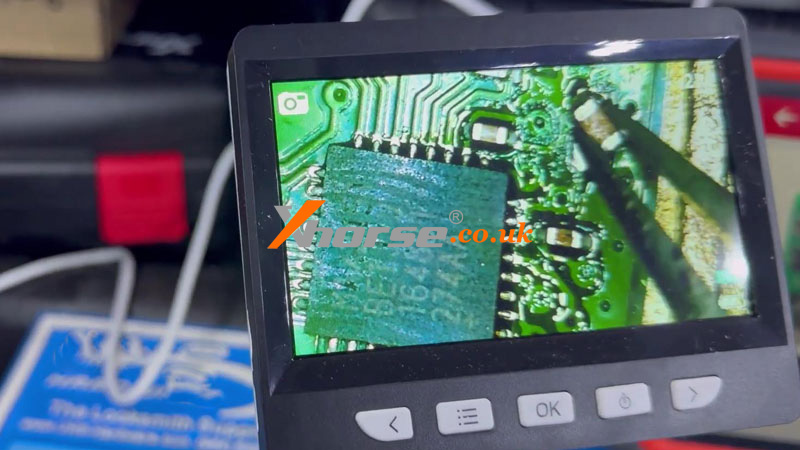
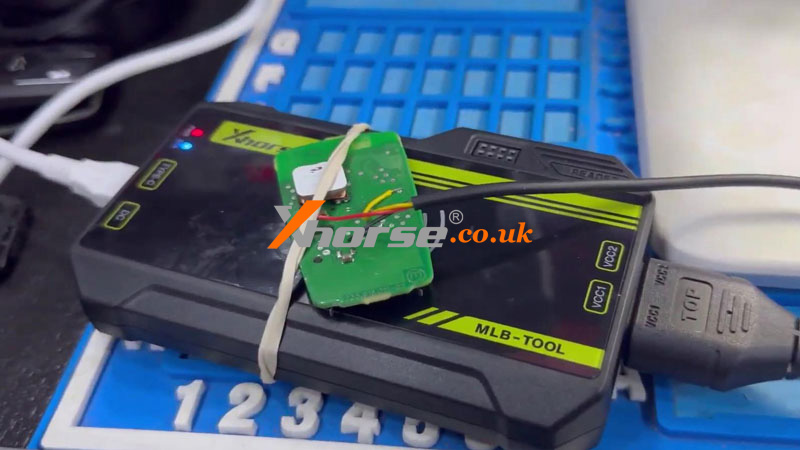
Follow the diagram to solder the circuit board, then connect to MLB Tool.
Click “Collect key data”.


Detected that the Key Tool Plus does not read the vehicle information data, continue to acquire data to save and the immo file will not contain vehicle information. Whether to continue?
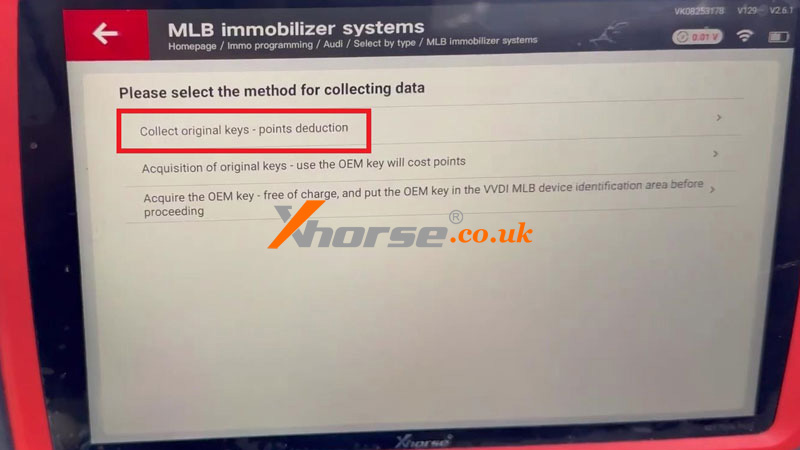
Yes >> Collect original keys - points deduction
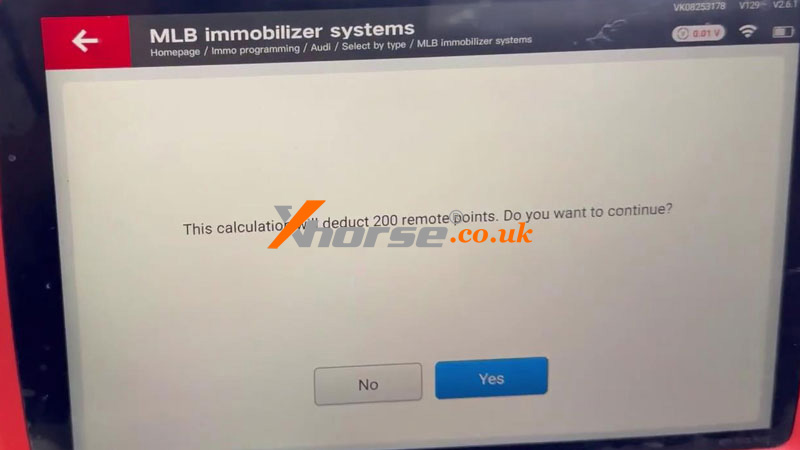
This calculation will deduct 200 remote points. Do you want to continue? Yes
Attention:
1. Please connect the acquisition cable with the device according to the diagram, and put the key flat on the sensing area of the device.
2. The TOP side of the acquisition cable is facing upward, VCC1 is aligned with VCC1, and VCC2 is aligned with VCC2.
Press OK to get data.

www.xhorse.co.uk
Oznake: vvdi key tool plus
komentiraj (0) * ispiši * #
Solved: Xhorse MLB Tool Impossible To Collect Valid Data Error
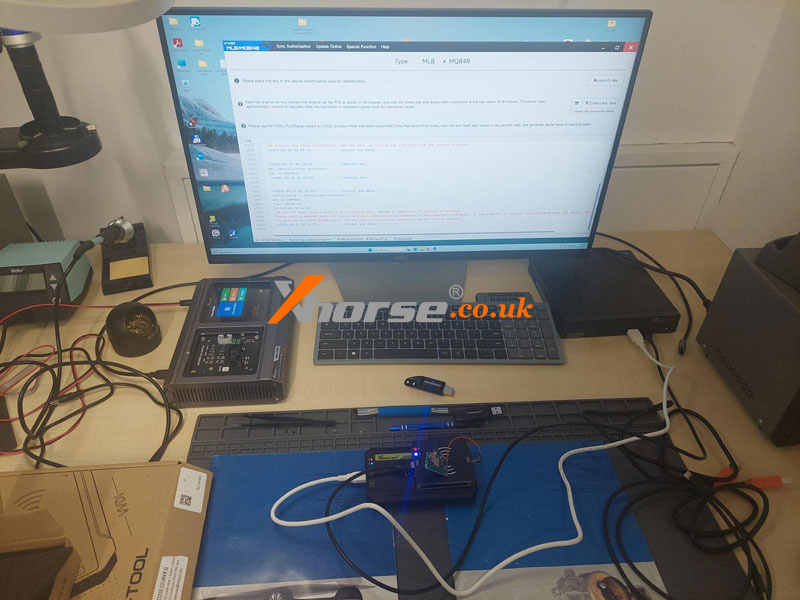
01.04.2025.Problem: I can't collect the key data with Xhorse MLB Tool + MQB Adapter. I also tried it on a PC, and there is the same error. It says:
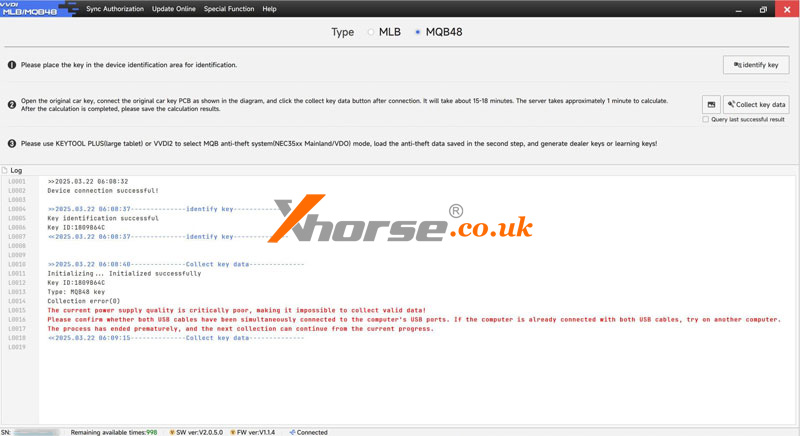
"The current power supply quality is critically poor, making it impossible to collect valid data!
Please confirm whether both USB cables have connected simultaneously to the computer's USB ports. If the computer is already connected with both USB cables, try another computer.
The process has ended prematurely, and the next collection can continue from the current progress."
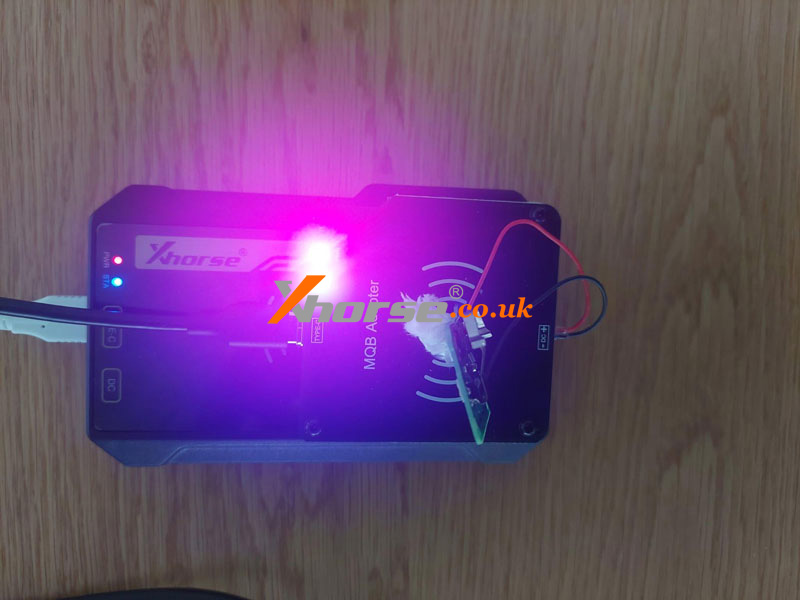
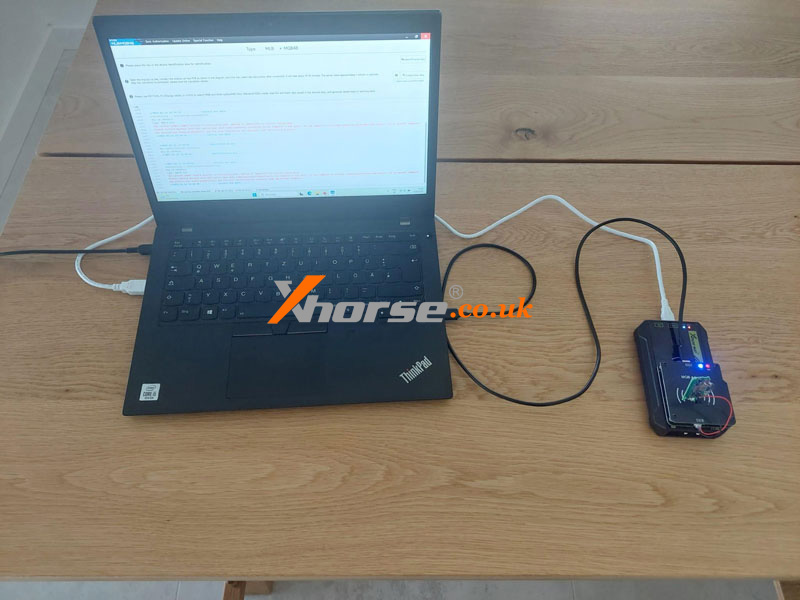
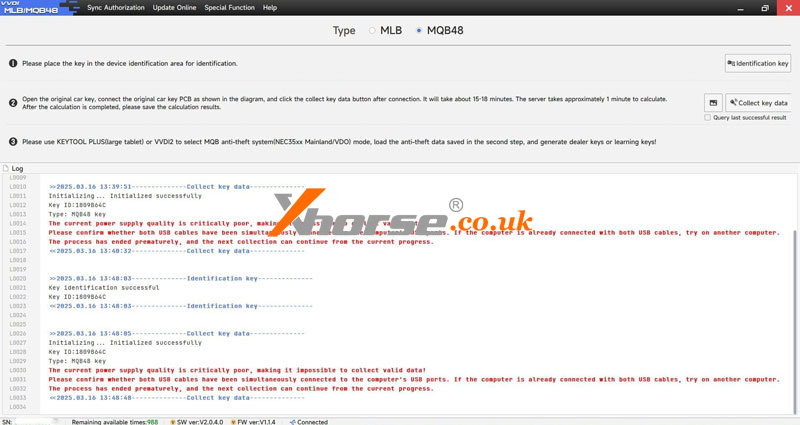
The error persists even after upgrading the MLB Tool Software to the V2.0.5.0 version.
Solution
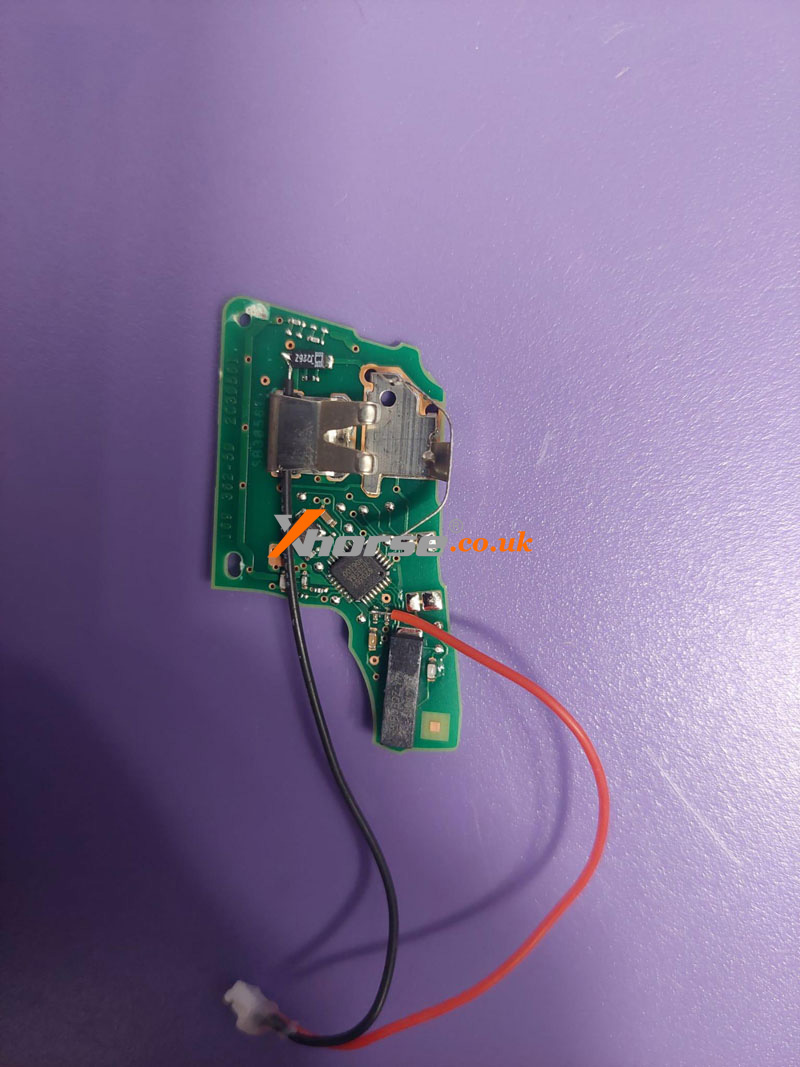
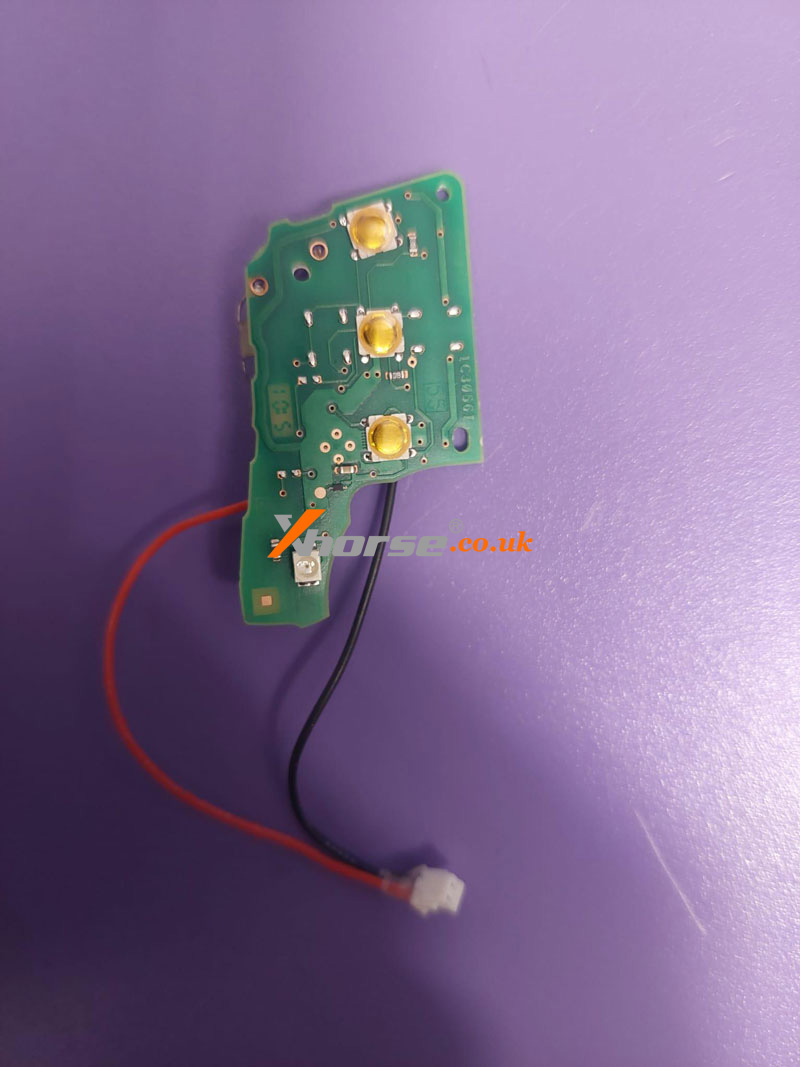
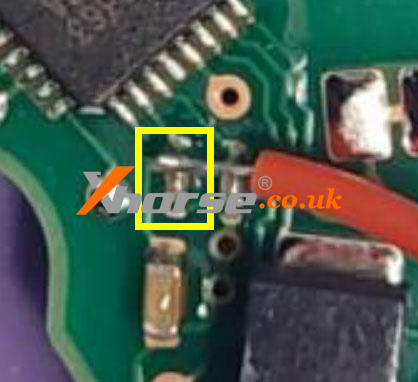
The customer provided front and back pictures of key soldering.
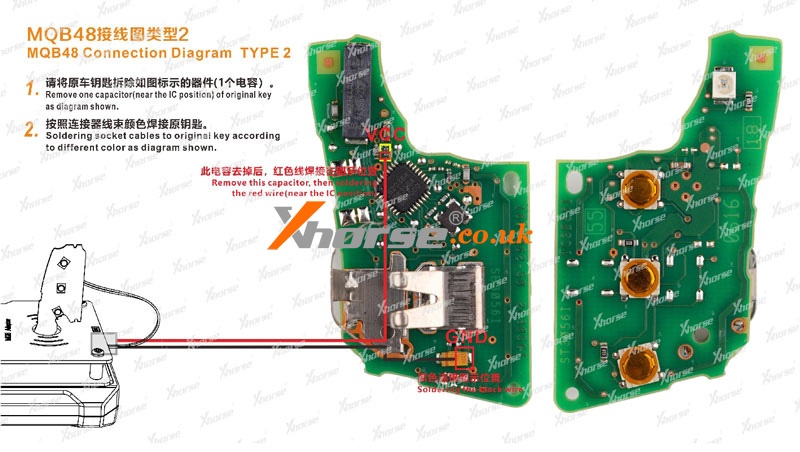
And our engineer just found out he didn't remove its capacitor before soldering the red wire. That's the reason for the error.
Please carefully follow the wiring diagram to ensure normal operation.
www.xhorse.co.uk
Oznake: xhorse mlb tool
komentiraj (0) * ispiši * #