Marketing
Xhorse VVDI Key Tool Plus SFD Manual Unlock Tutorial for VAG
Great news: The latest Xhorse VVDI Key Tool Plus database now supports manual unlocking of VAG/Audi SFD security gateways.
This guide outlines the step-by-step process for unlocking SFD-protected control units, enabling vehicle diagnostics and key programming.
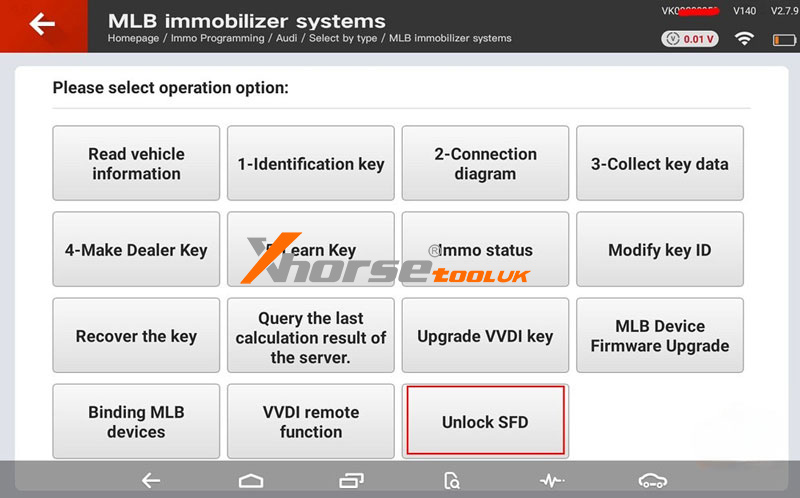
Applicable Devices:
VVDI Key Tool Plus
VVDI Key Tool MIDI
Before You Begin:
Ensure your device database is updated to the latest version.
Note: Automatic SFD unlocking is not supported - you must obtain the calculation code manually from a third-party service.
3-Step Unlock Process:
Step 1: Get Vehicle Seed
` Select "Unlock SFD" on your VVDI device
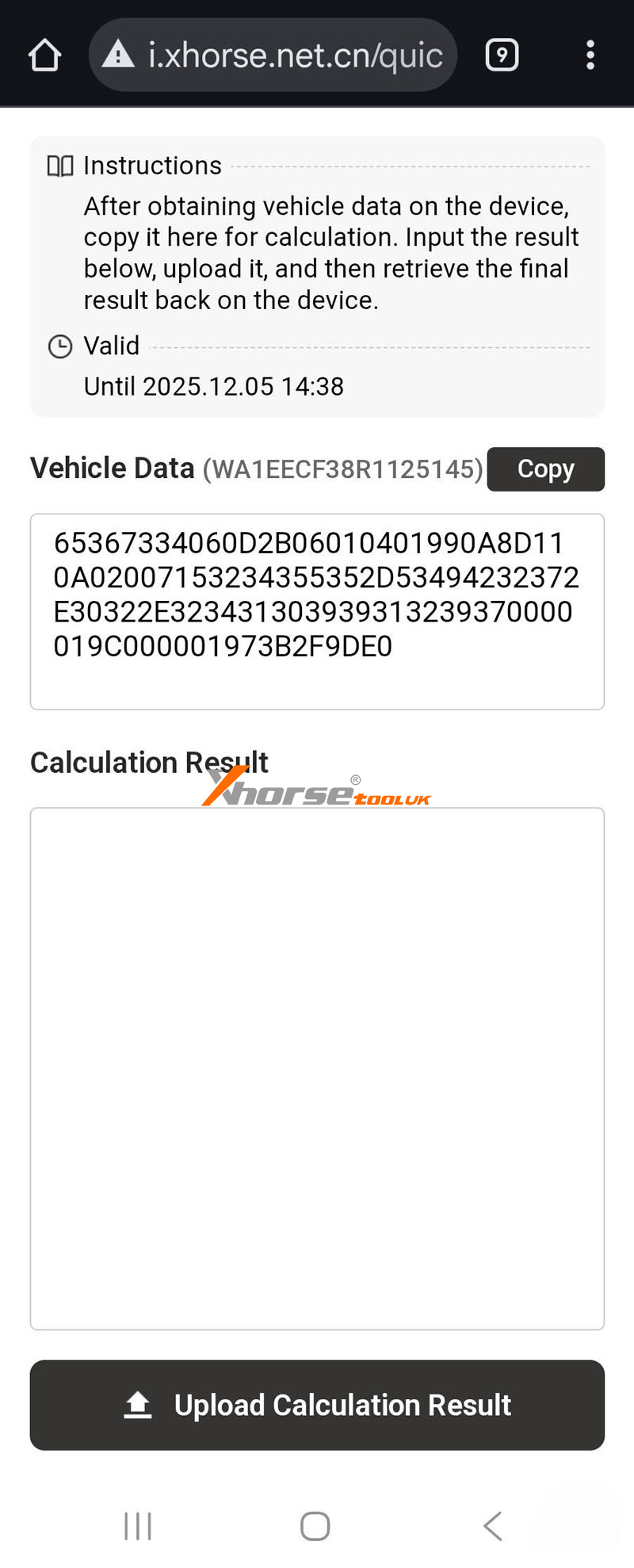
a Scan the displayed QR code to access vehicle data
b Obtain the SFD seed code through OBD connection
Step 2: Calculate Unlock Code
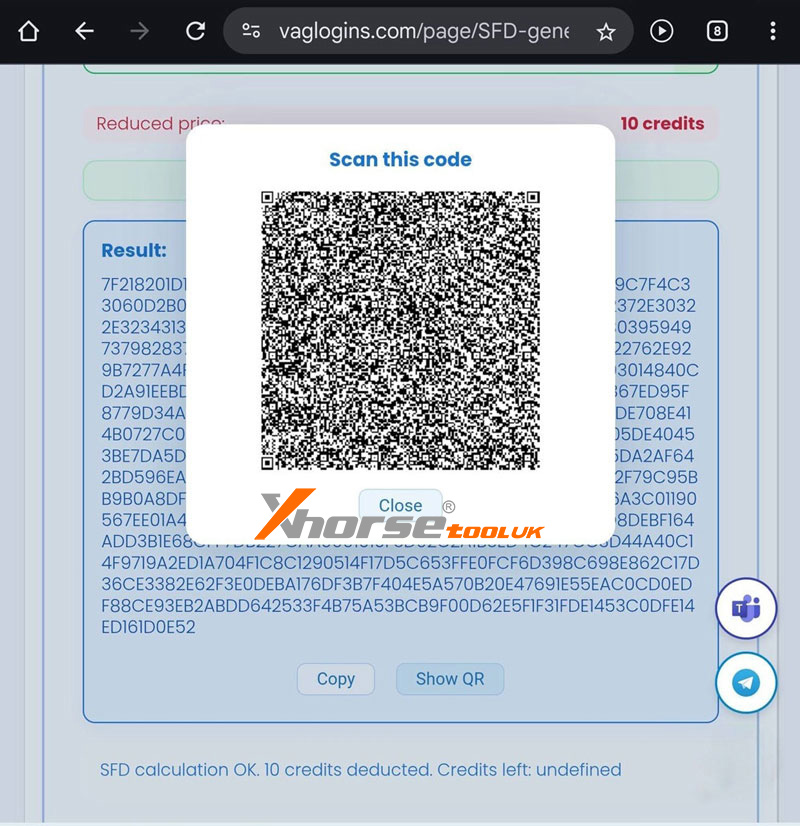
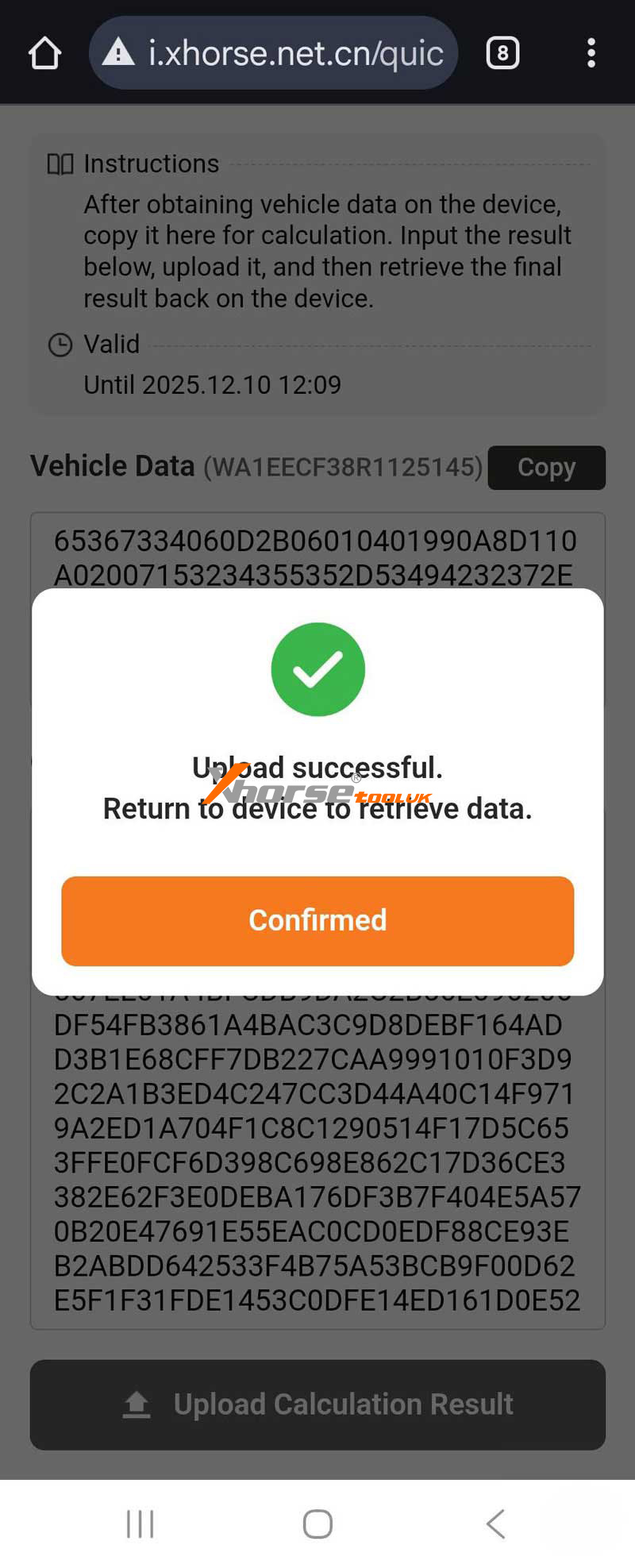
` Send the seed code to a third-party calculation service
a Receive the corresponding response code
Step 3: Complete Unlock
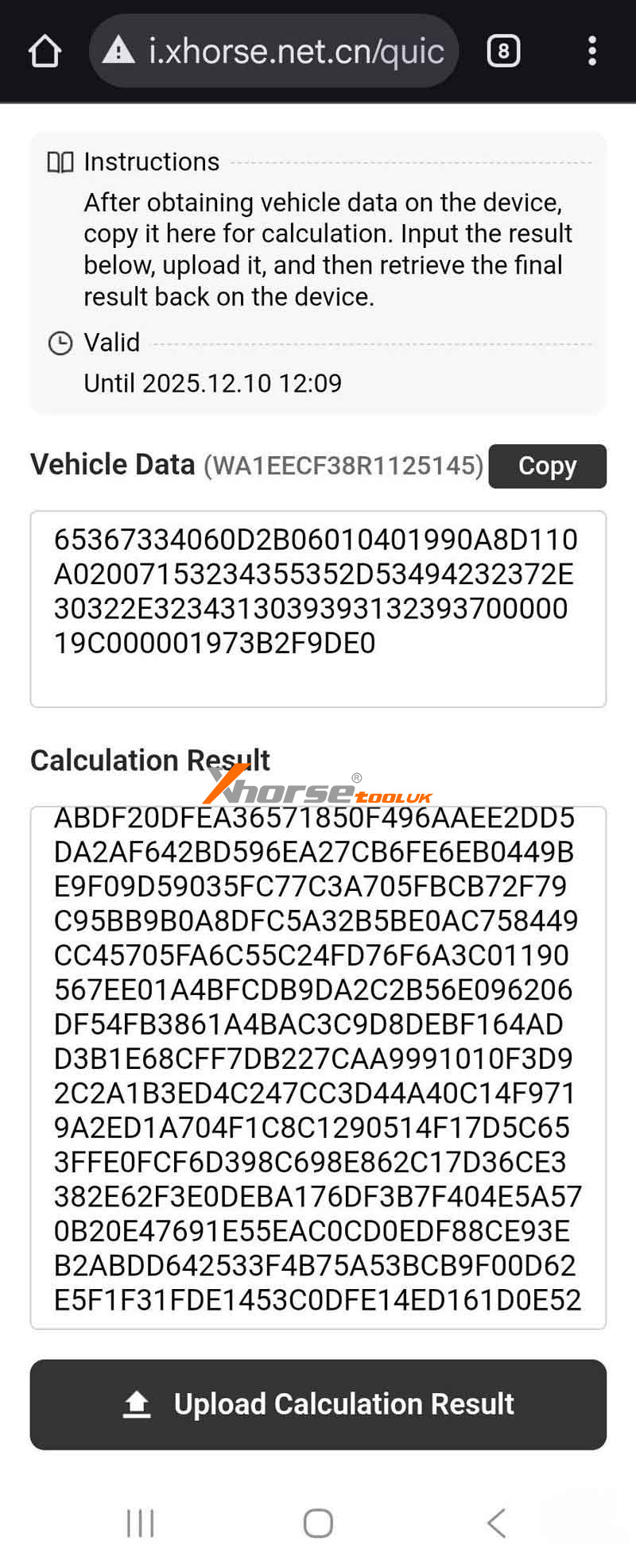
` Enter the response code into your VVDI device
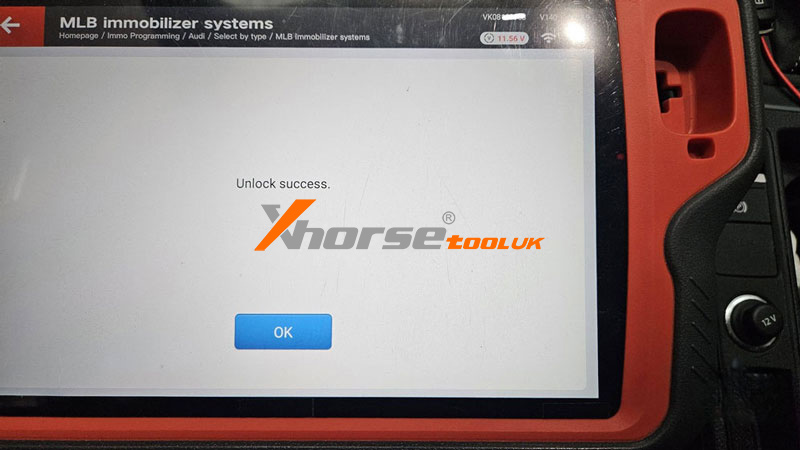
a Confirm "Unlock Success" notification
b Gateway remains unlocked for 90 minutes for key programming and diagnostics
Important Notes:
` SFD1 only - Does not support SFD2
a The entire process requires manual code calculation
b Ensure stable vehicle connection during operation
c Use the unlock window for dealer key generation and key learning
After Unlock:
Proceed with key programming functions within the 90-minute access period.
www.xhorsetool.co.uk
Post je objavljen 16.12.2025. u 08:45 sati.