Solution to Xhorse Multi Prog Screen Display Abnormality
08.10.2024.Customer Question: I just received the Xhorse Multi Prog, and this problem occurs when I turn it on. How can I solve it?
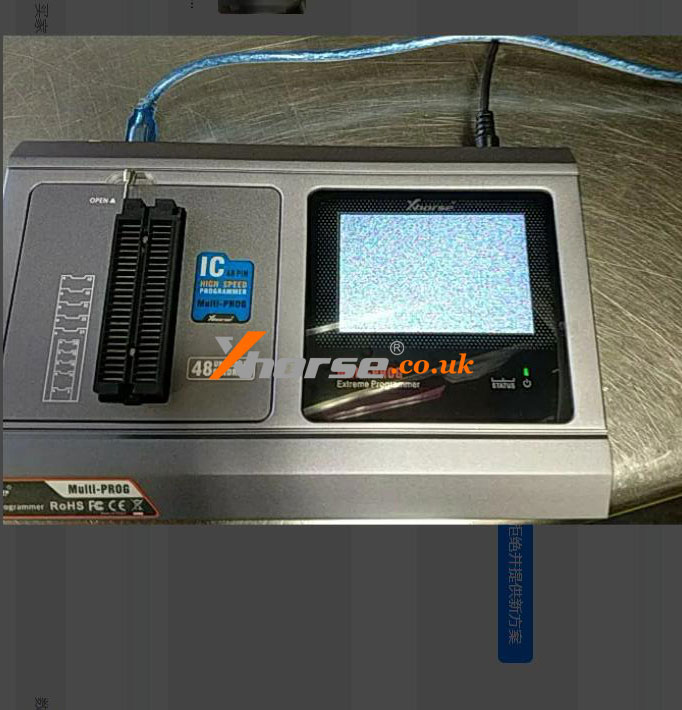
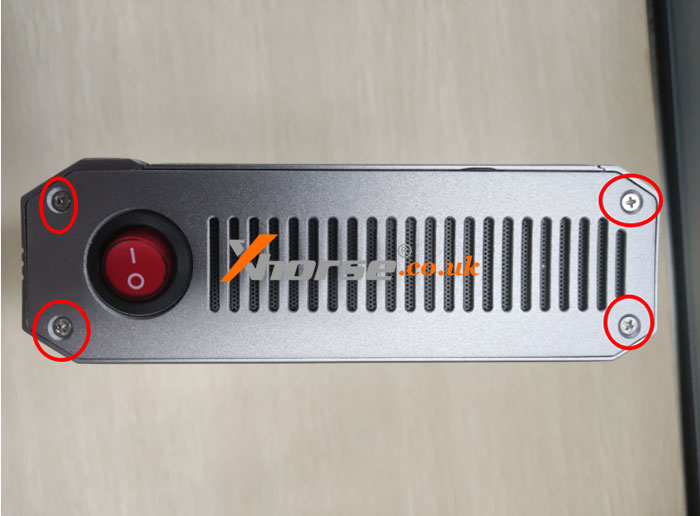
Solution: Disassemble the screws and nuts indicated by the red circle according to the picture below:
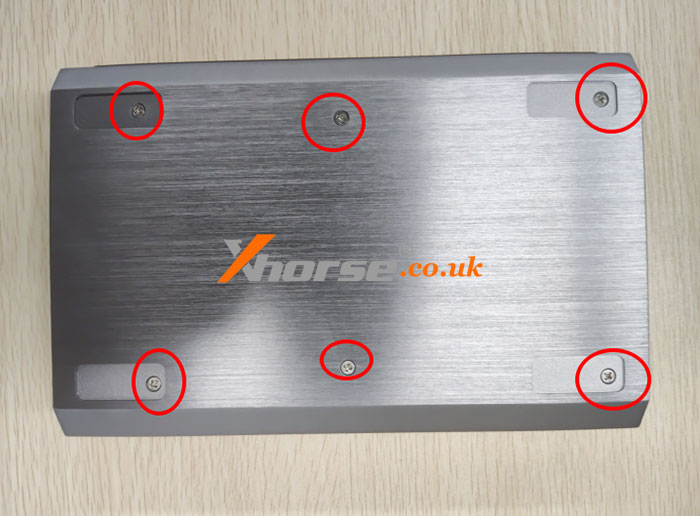
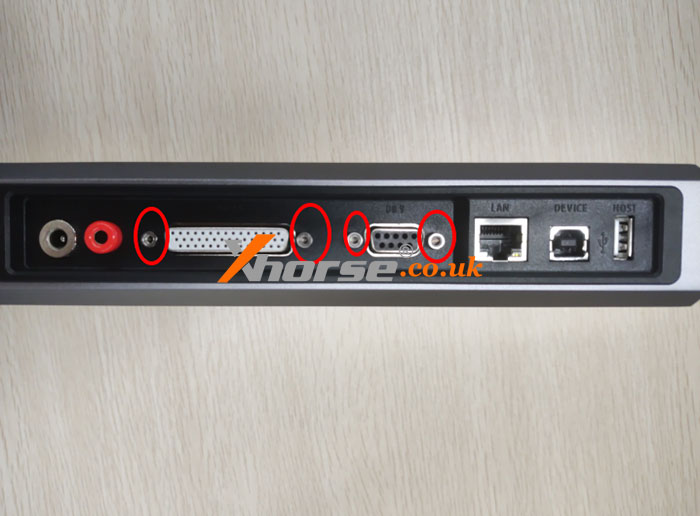
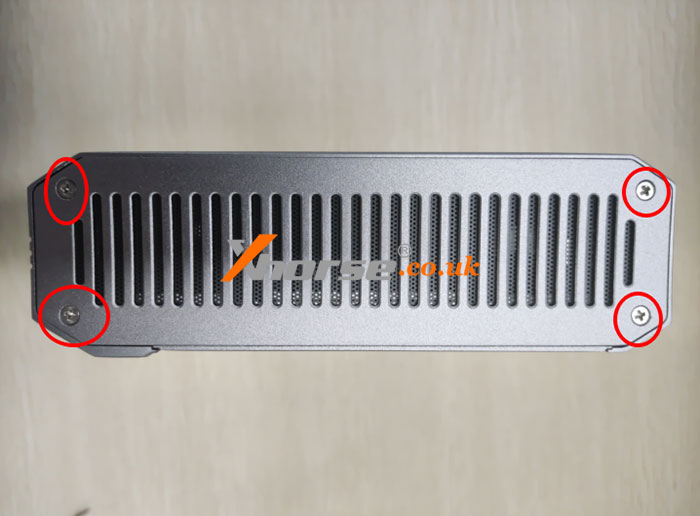
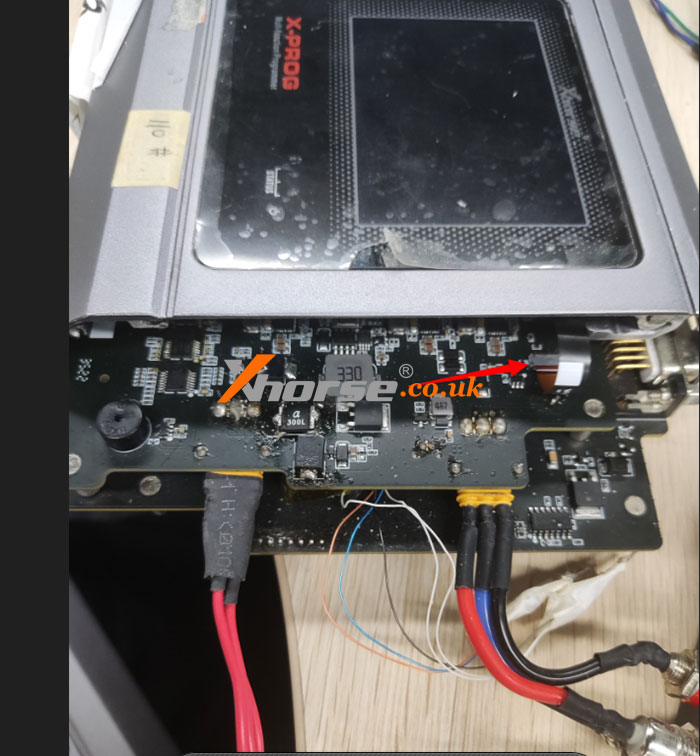
Finally, refer to the picture below to disconnect the cable pointed by the arrow and reconnect it.
www.xhorse.co.uk
Oznake: multi prog
komentiraj (0) * ispiši * #
XHORSE Multi-Prog Force Unlock BMW CAS4 5M48H Success
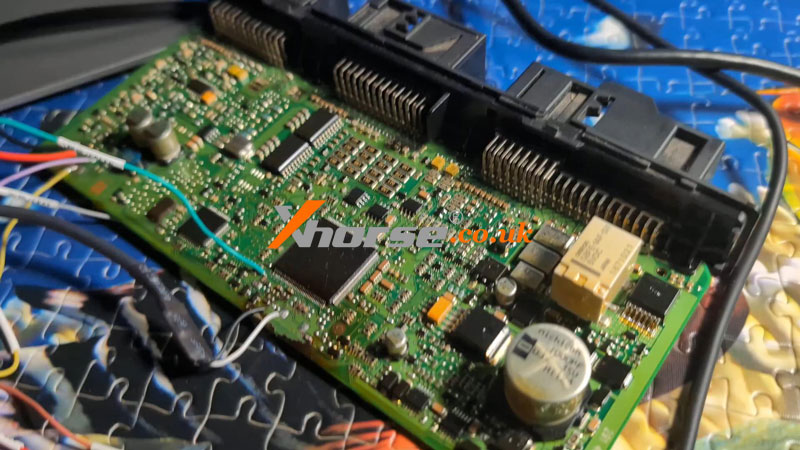
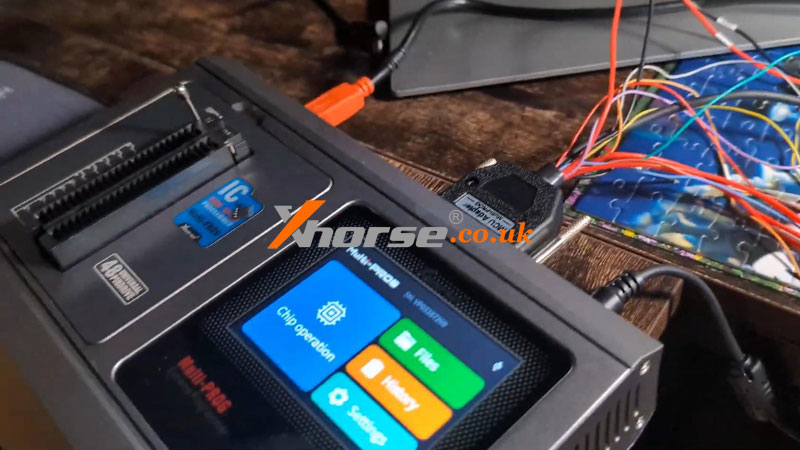
14.08.2024.XHORSE Multi-ProgProgrammer can force unlock BMW CAS4 5M48H successfully if the simple chip unlock fails. Next, I'll demonstrate both unlock operations.
1. Simple Unlock
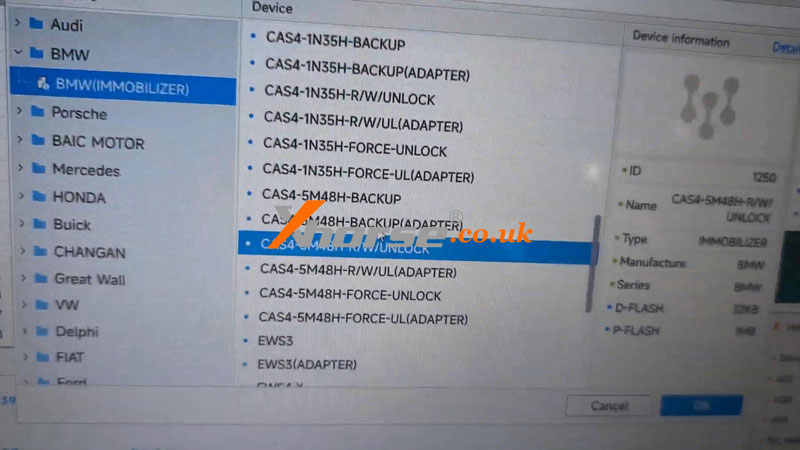
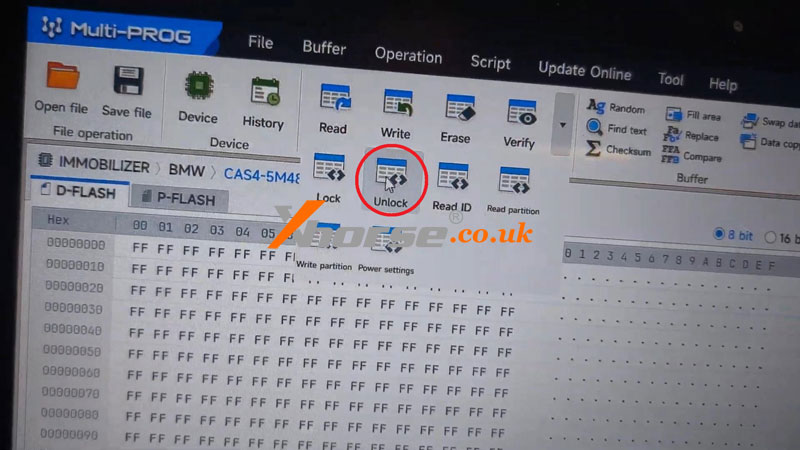
BMW >> BMW(IMMOBILIZER) >> CAS4-5M48H-R/W-UNLOCK >> OK >> Unlock
Already backup the Dflash & Pflash? OK
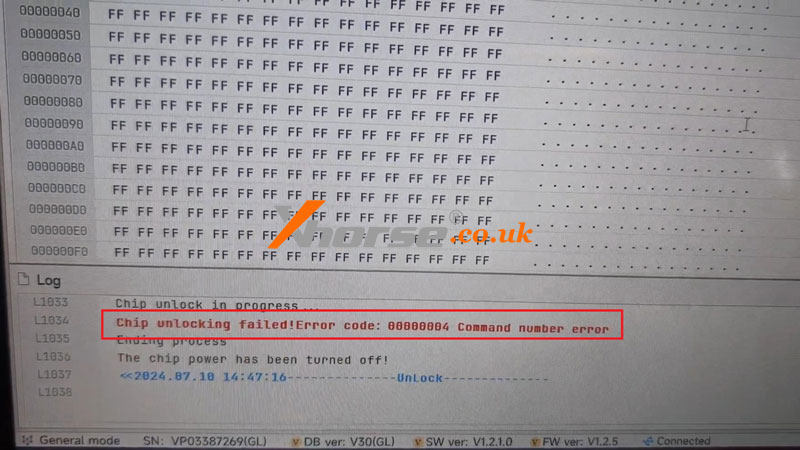
Chip unlocking failed! Error code: 00000084 command number error.
In this case, we can try the Force Unlock method below.
2. Force Unlock
Reselect the option:
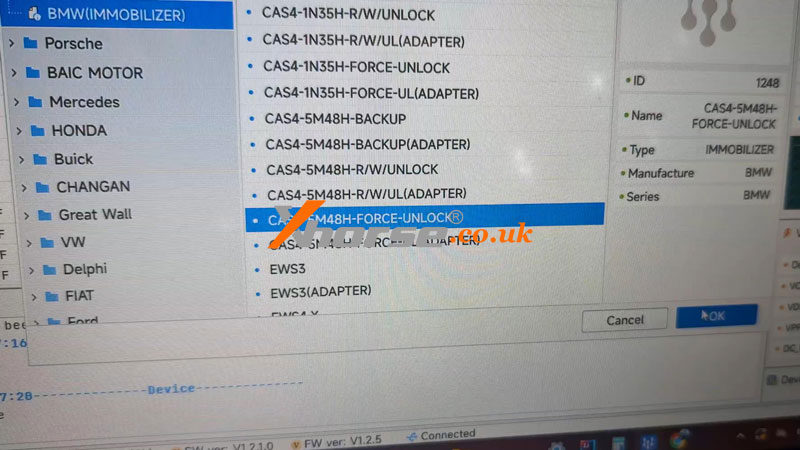
BMW >> BMW(IMMOBILIZER) >> CAS4-5M48H-FORCE-UNLOCK >> OK >> Unlock
Maybe lost data, continue? OK
Unlock success!
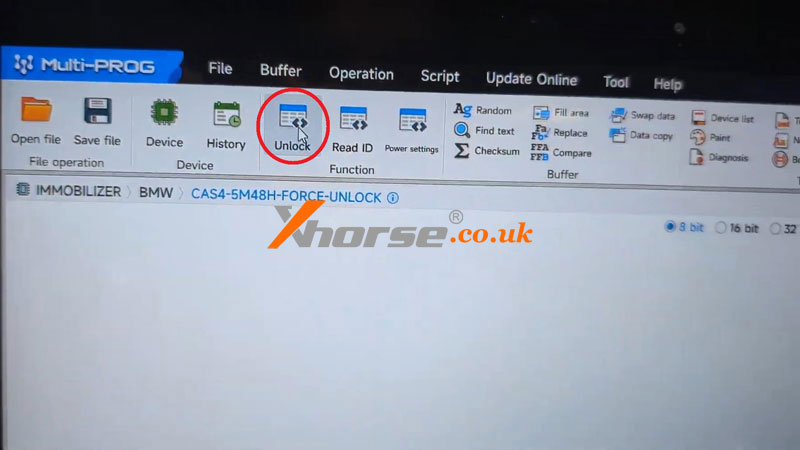
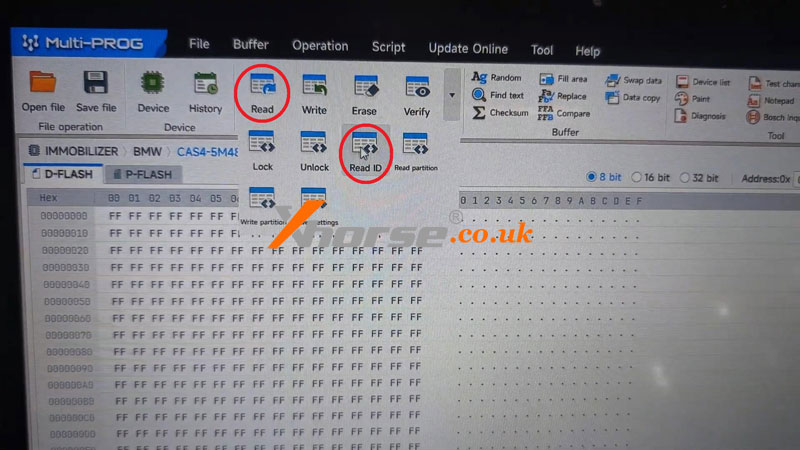
Now go back to the original option for a test.
Read ID success.
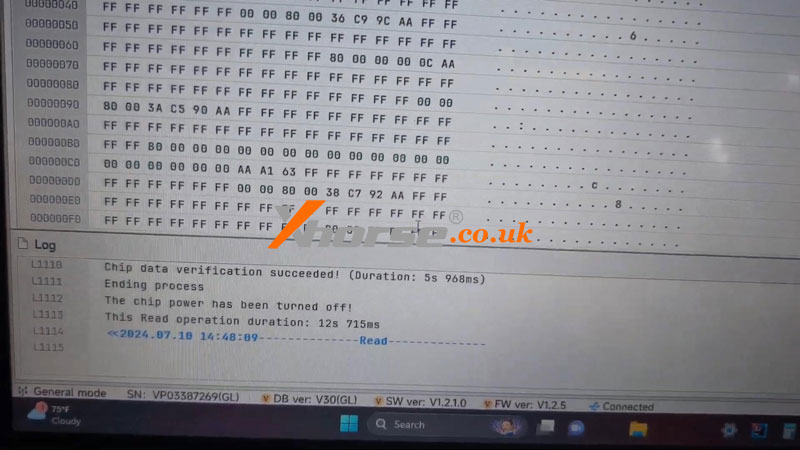
MultiProg can also read the D-FLASH chip data successfully.
Quite easy.
www.xhorse.co.uk
Oznake: multi prog
komentiraj (0) * ispiši * #
Xhorse Multi-Prog + VVDI2 Decode VW Golf MQB D70F3532 IMMO
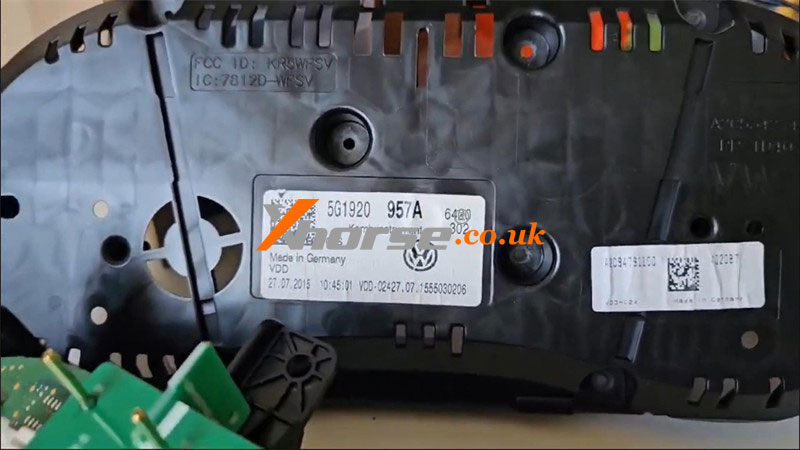
18.06.2024.Today I'm gonna show how to decode encrypted 2018 VW Golf MQB D70F3532 immo data with Xhorse Multi-Prog + VVDI2 programmer. Before decryption, I'll use the Xhorse MQB48 Adapter to get data without soldering at first.
Step1. Get Encrypted Data File
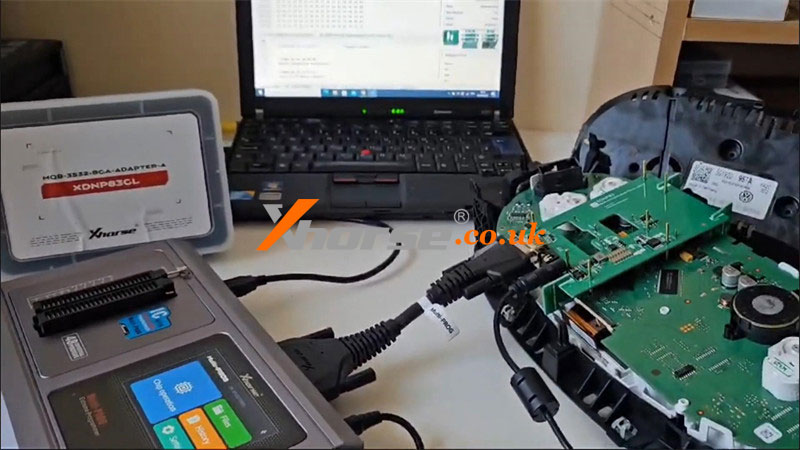
1) Disassemble the MQB module from the vehicle. Plug XDNP83 solderless adapter into the MQB board, then connect to Multi-Prog.
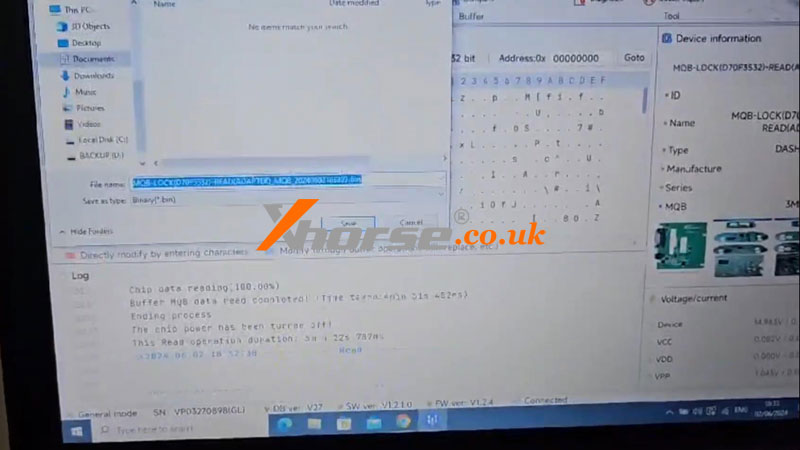
2) Open Multi-PROG software to read & save immo data. Be noted the data is locked.
Step2. Decode Encrypted IMMO
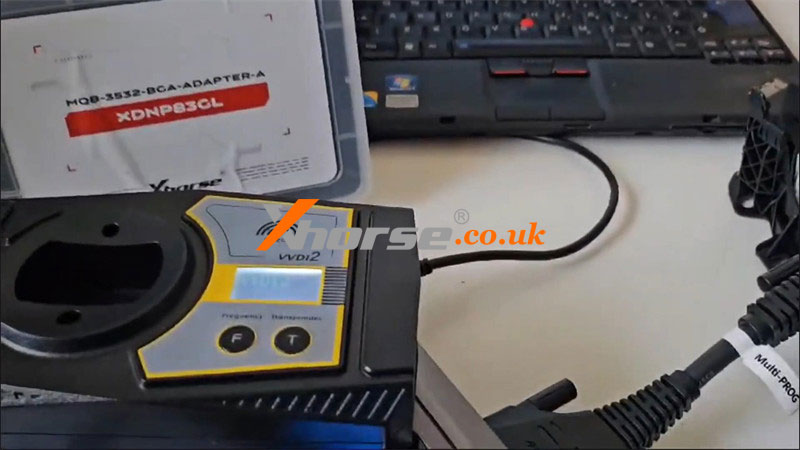
1) Disconnect and connect to VVDI2.
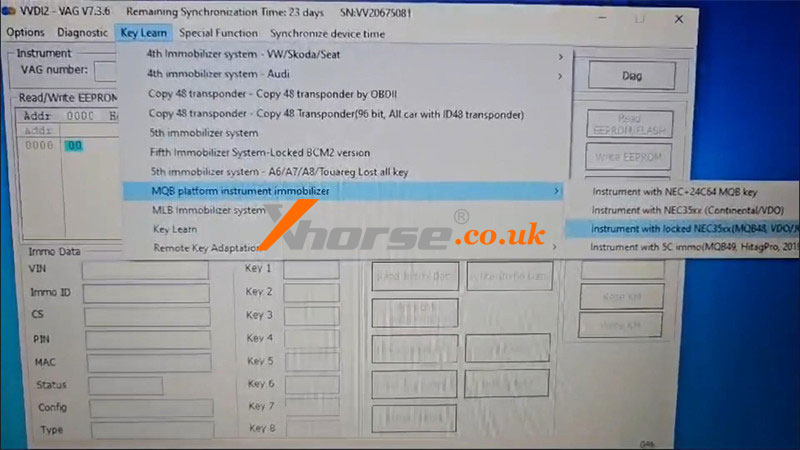
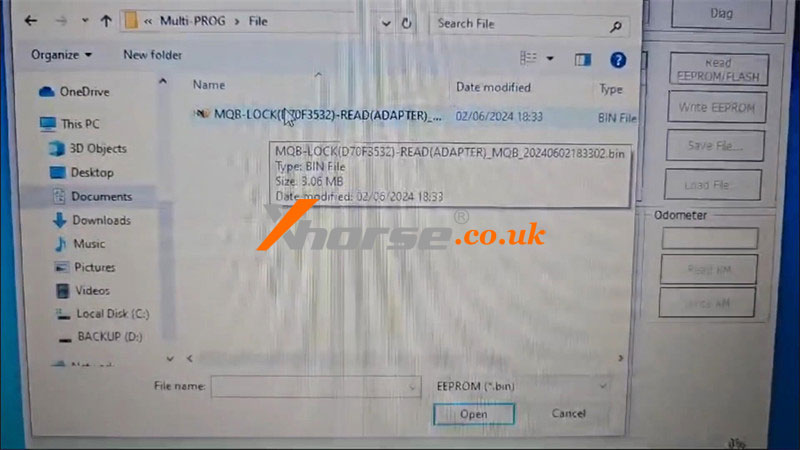
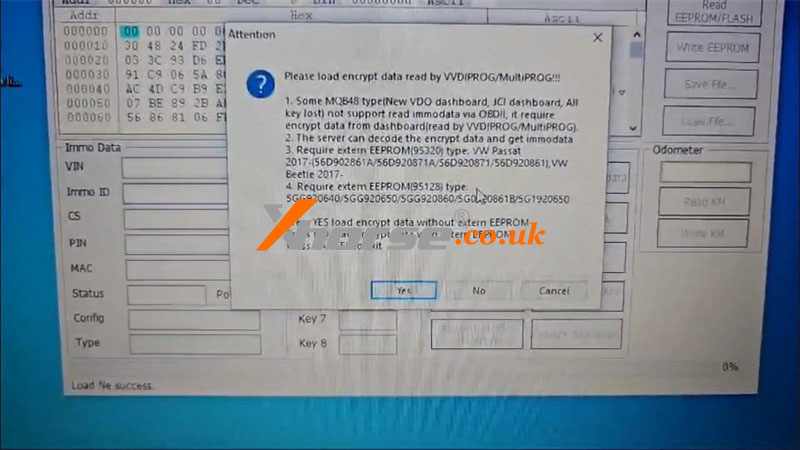
2) Open VVDI2 software, VW >> Key Learn >> MQB platform instrument immobilizer >> Instrument with locked NEC35xx(MQB48, VDO) >> Load file(saved in step1) >> Decode immo data >> Yes >> Selected the saved file
Server calculating, please wait...
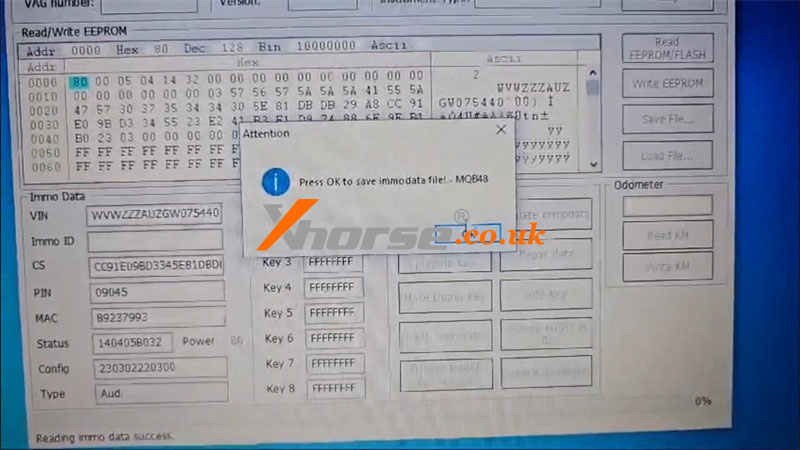
Press OK to save immo data file!
Decode immo data success.
Now the new MQB48 file was unlocked.
Done.
www.xhorse.co.uk
Oznake: multi prog
komentiraj (0) * ispiši * #