(Solved) Xhorse Dolphin XP-005/005L Display Error 6/56/3
27.06.2025.Xhorse Dolphin XP-005/005L displays error 6/56/3 while decoding or cutting keys, indicating that there is a problem with the conductivity of the machine.
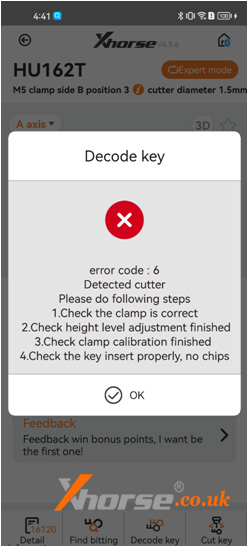
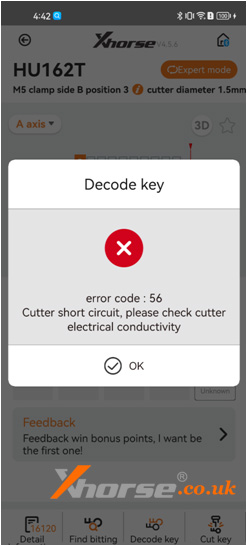
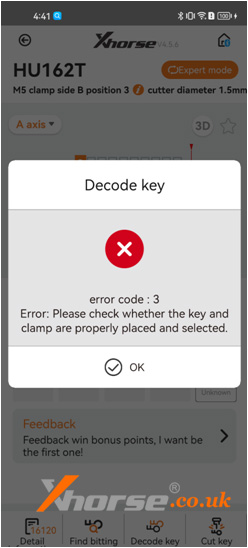
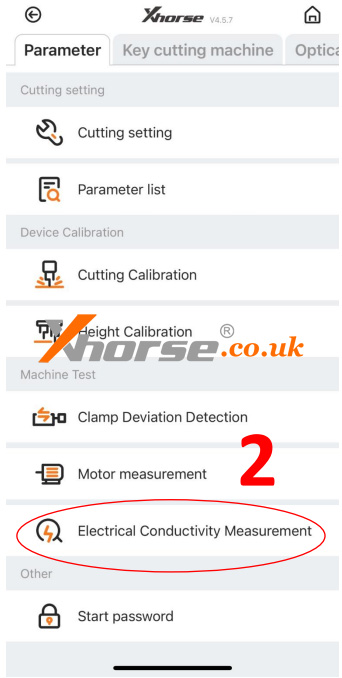
Please follow the steps to enter the conductivity measurement interface for relevant testing.
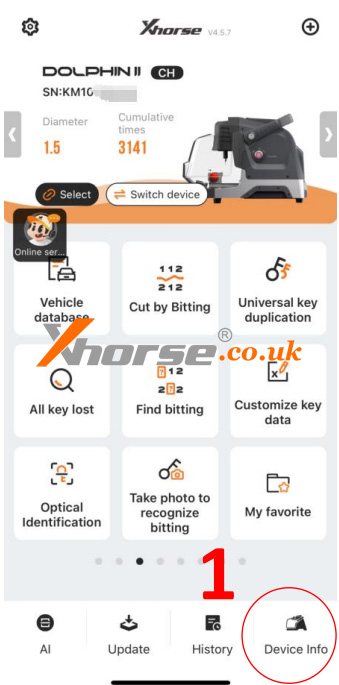
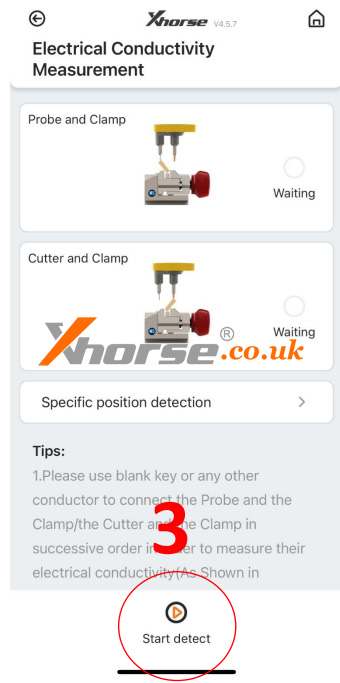
After entering the testing interface, click on Start to test. If the connection has not been made according to the prompts on the diagram, the cutter will directly display OK, indicating that the device cutter is in a short-circuit state.˙˙
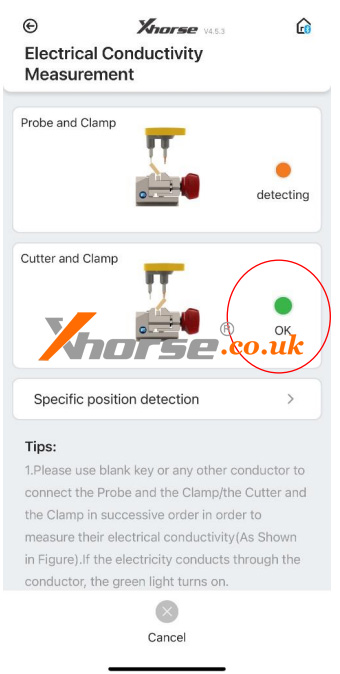
If the cutter is in a short-circuit condition, first remove the back cover and front cover of the device.
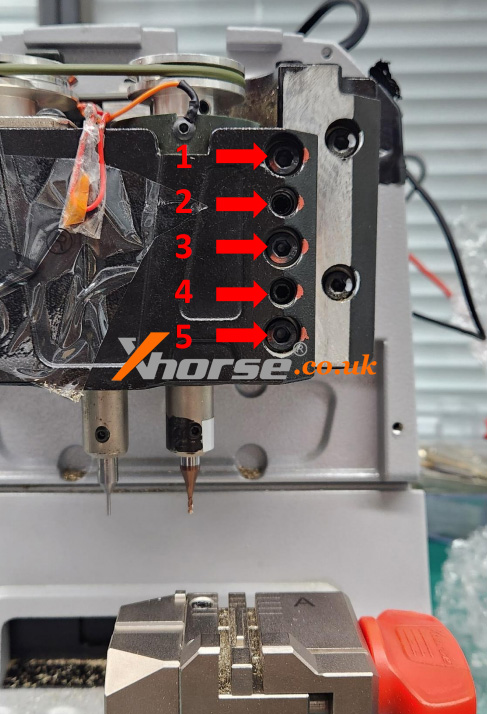
Then turn counterclockwise to loosen the screws 1, 3, and 5 in the figure on the right, and remove these three screws,
Then tighten the screws 2 and 4 in the right figure clockwise, and push open the black metal structural component,
Remove the main axis assembly connected to the cutter again.
.
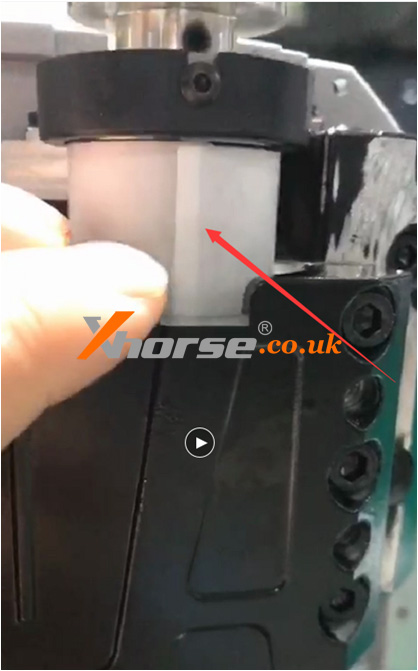
Pull the main axis assembly upwards and observe if the white insulation paper is damaged.
If it is damaged, please replace this insulation paper.
If there is no damage, remove the entire main axis and clean the iron filings inside.
The usual reason is that the cutter is in a short circuit state due to iron filings at the bottom, after cleaning, reinstall the screws, when installing screws, pay attention to the order.
First, loosen the screws 2 and 4 in the diagram on the previous page clockwise, then tighten the screws of 1, 3, and 5.
For more tech support, please visit www.obd2shop.co.uk
Oznake: xhorse dolphin xp 005
komentiraj (0) * ispiši * #