Marketing
Mercedes-Benz W221 Dashboard Programming with OBDSTAR X300 Classic G3
In this article, we demonstrate the advanced ECU programming function of the OBDSTAR X300 Classic G3 (Keymaster G3), illustrating how to quickly program a used instrument cluster from a Mercedes-Benz S-Class W221 model. This function allows you to restore a used instrument cluster to factory settings and complete its programming.
Important: Before starting any operation, make sure the main cable is properly connected to the vehicle to avoid communication errors.
Step 1: Enter the Dashboard Programming Menu
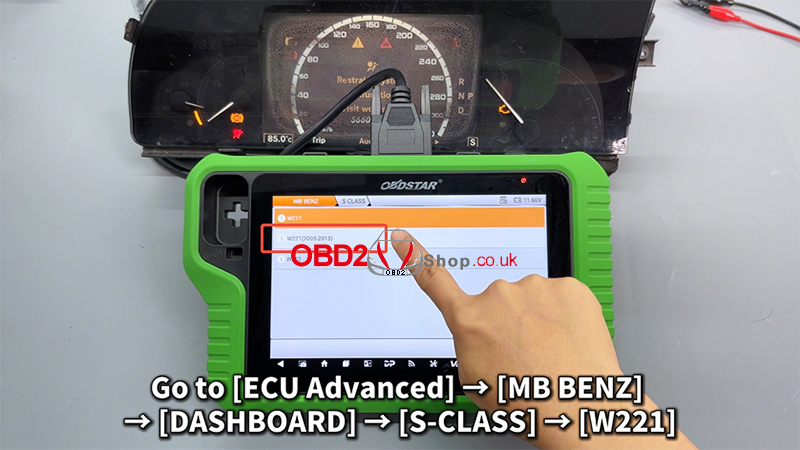
1. On the KeyMaster G3 device, navigate through the following path:
[ECU Advanced] ’ [MB BENZ] ’ [DASHBOARD] ’ [S-CLASS] ’ [W221]
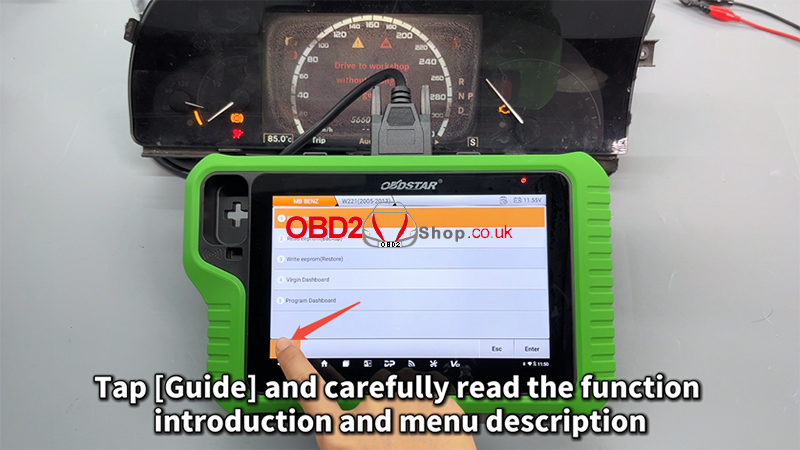
2. Tap [Guide] and carefully read the function introduction and menu descriptions to understand the operation process and precautions.
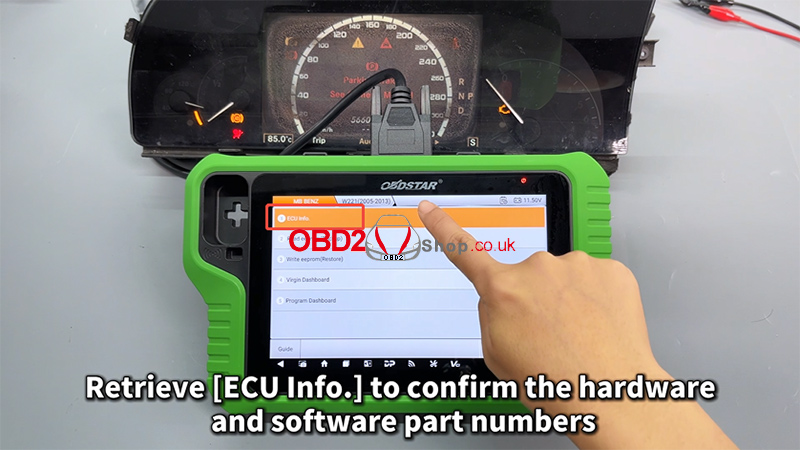
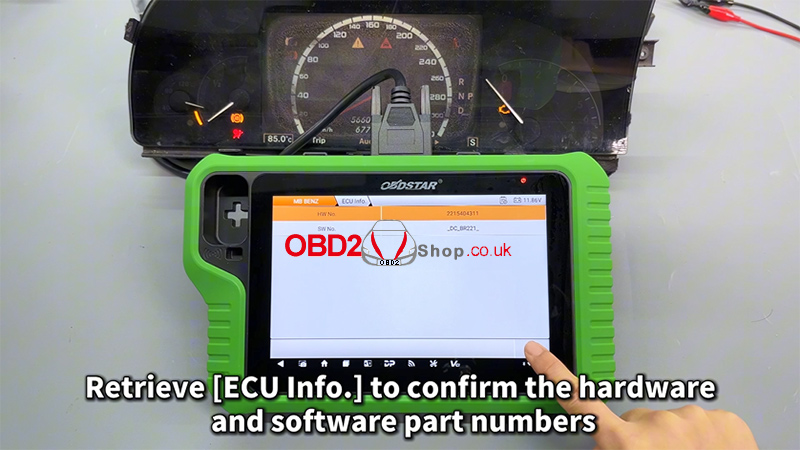
3. Next, retrieve [ECU Info.] to confirm the hardware and software part numbers of the dashboard, ensuring compatibility before proceeding.
Step 2: Back Up the EEPROM Data
Before performing any modifications, it is strongly recommended to back up the original data.
1. Select [EEPROM Backup]
2. Tap [Start] to begin backing up the data
3. You can customize the filename of the saved backup file for easier identification later
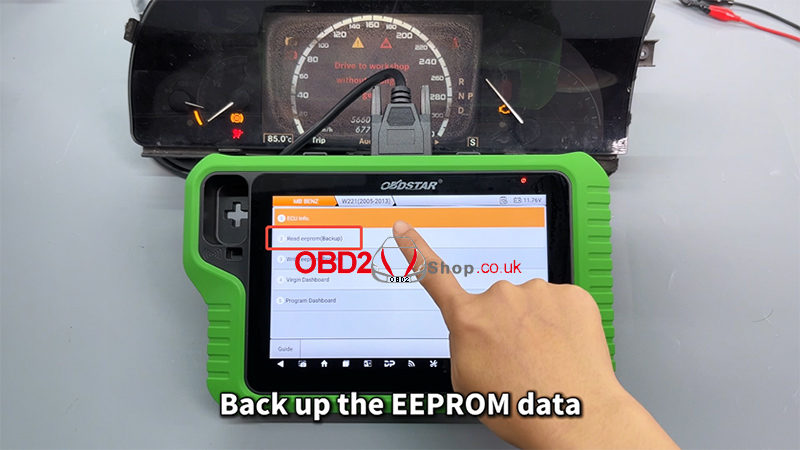
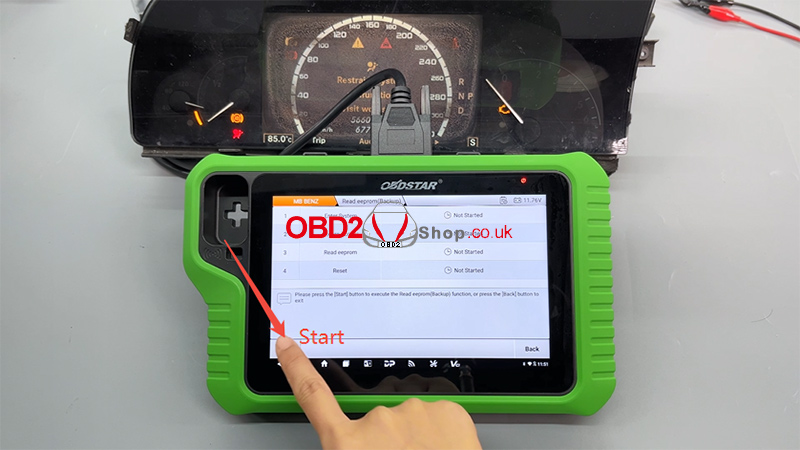
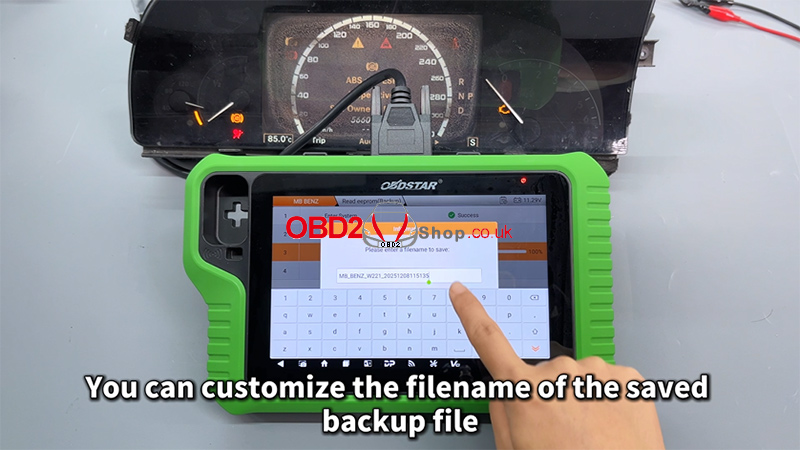
This backup file is critical and will be used in the following steps, so make sure it is saved correctly.
Step 3: Virginize the Used Dashboard
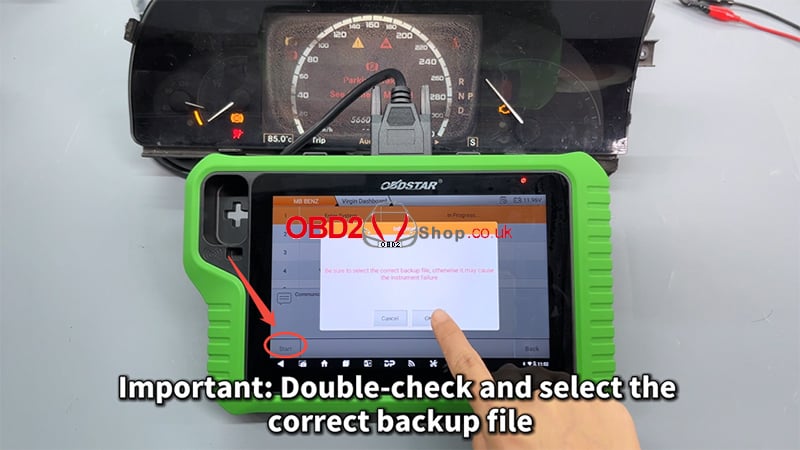
Now, execute the [Virgin Dashboard] function.
1. Carefully select the correct backup file
2. Double-check the file before confirming
3. Tap [OK] to proceed
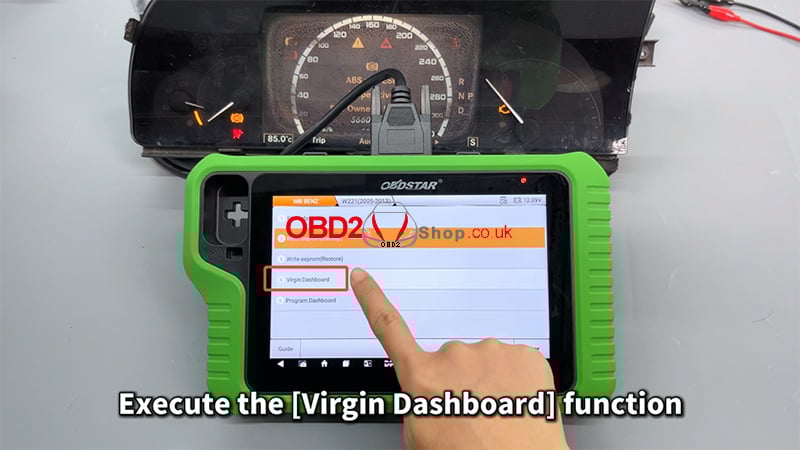
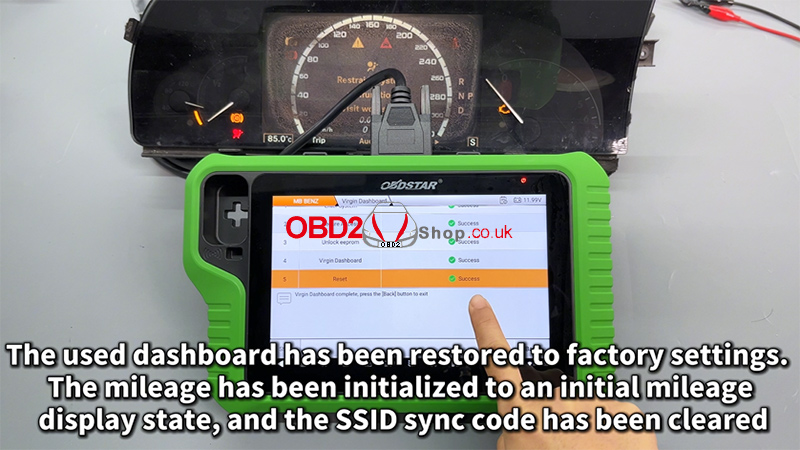
Once completed, the used dashboard will be restored to factory (virgin) status:
1. The mileage will be initialized to its initial display state
2. The SSID synchronization code will be cleared
Step 4: Program the Dashboard
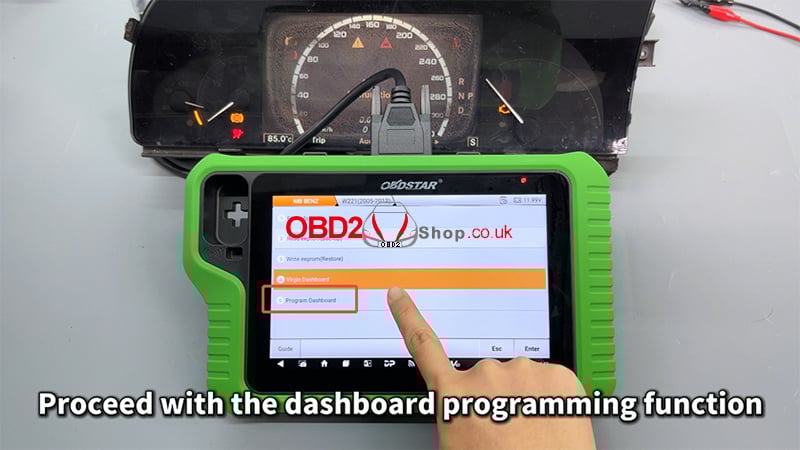
After virginizing the dashboard, proceed with the dashboard programming function.
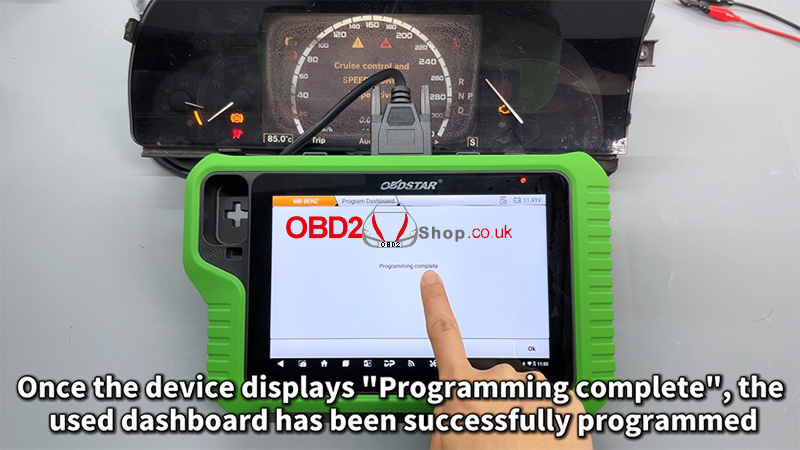
When the device displays [Programming complete], it means the used Mercedes-Benz W221 dashboard has been successfully programmed and is ready for use.
For a full step-by-step visual demonstration, please watch the video guide:
https://youtu.be/iPN2KPHBZ0E
Visit our website for more professional automotive diagnostic tools and tutorials: www.obd2shop.co.uk
Post je objavljen 01.01.2026. u 03:52 sati.