Marketing
Guide: How to Add a Key to BMW BDC3 Using Keydiy KD-MAX
This guide provides step-by-step instructions for cloning a smart key for the BMW BDC3 using the Keydiy KD-MAX system.
Required Tools:
Keydiy KD-MAX
Unlocking cable
BDC03 solder-free dismantling clip
KD FGB57 Board
Original key
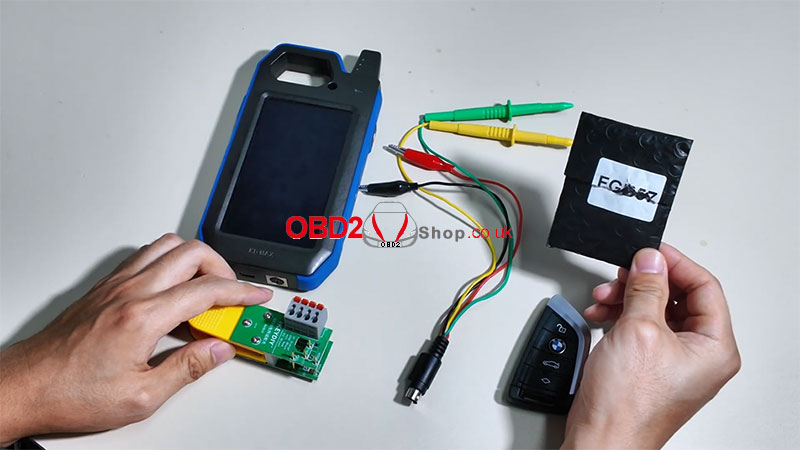
Step 1: Initial Setup
Power on the KD-MAX device.
Navigate to:
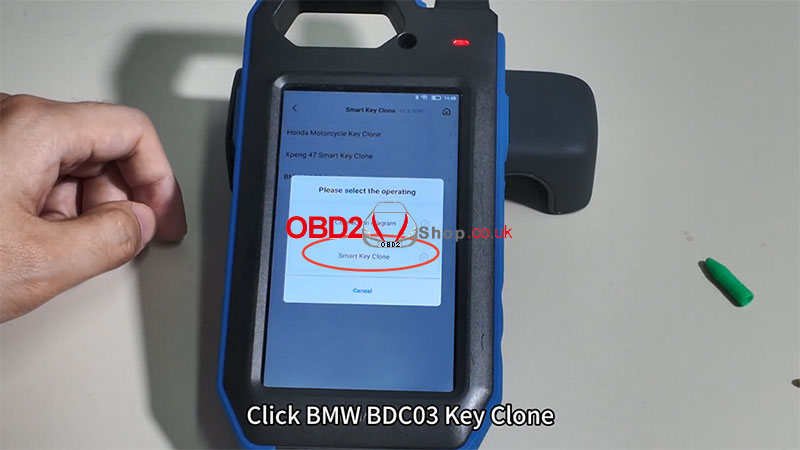
[Remote Function] ’ [Smart Key Clone] ’ [BMW BDC3 Key Clone]
Select [Connection diagram] to view the correct wiring setup for the KD BDC03 solder-free adapter clip.
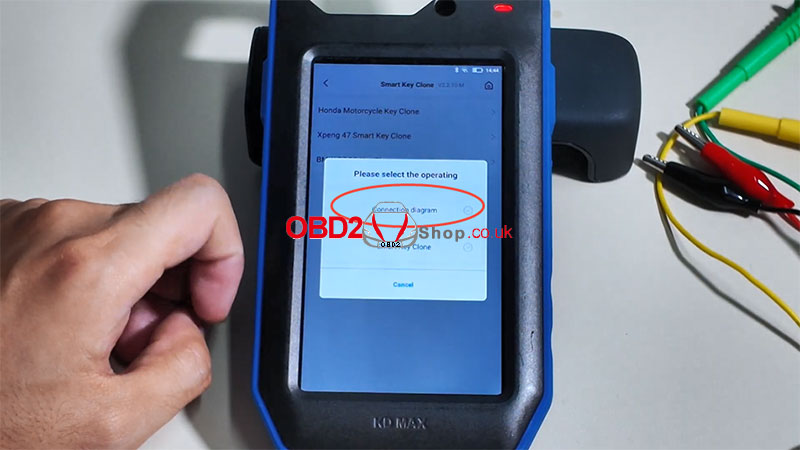
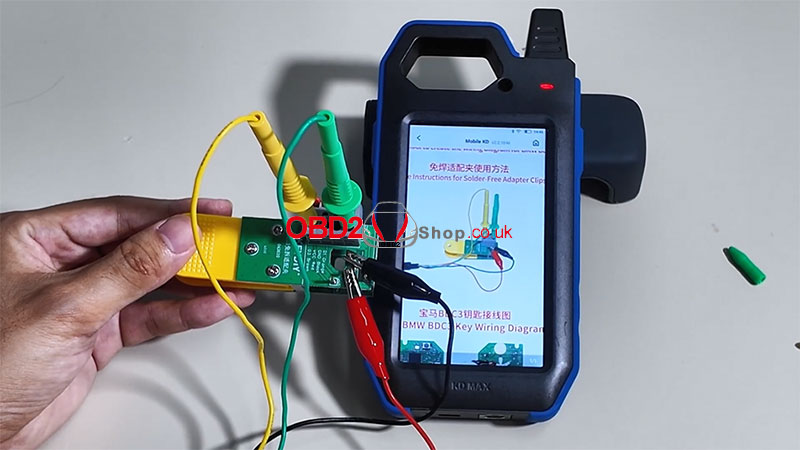
Step 2: Prepare the Original Key
Disassemble the original car key.
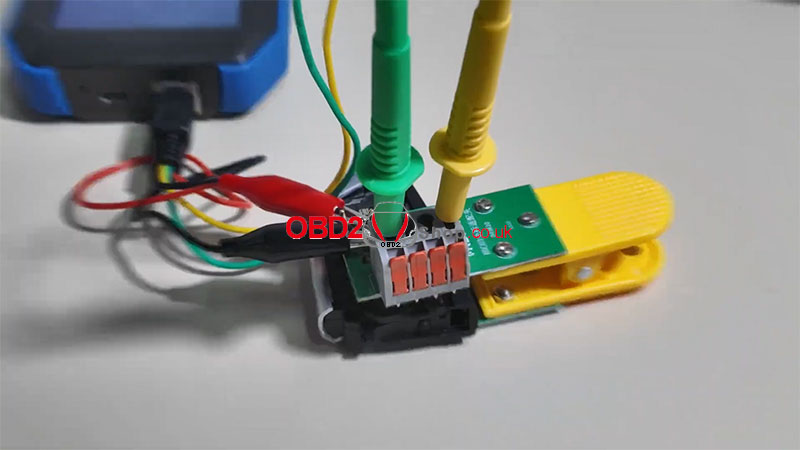
Secure the key using the BDC03 clip.
Connect the clip to the KD-MAX device.
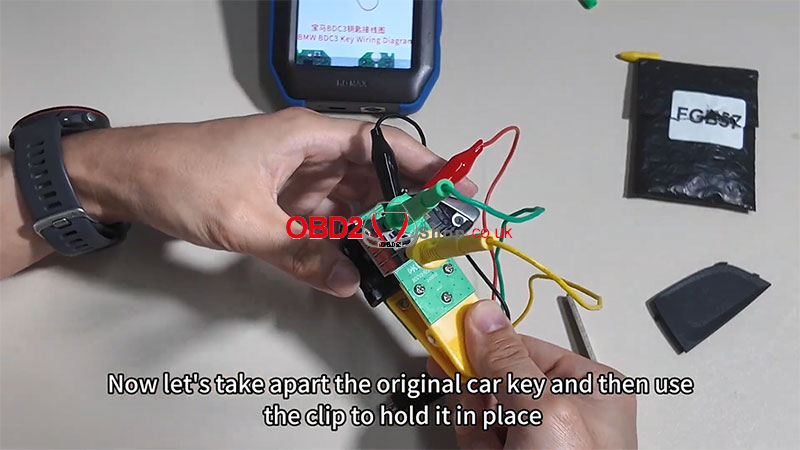
Step 3: Read Chip Data
From the main menu, select [BMW BDC3 Key Clone] again.
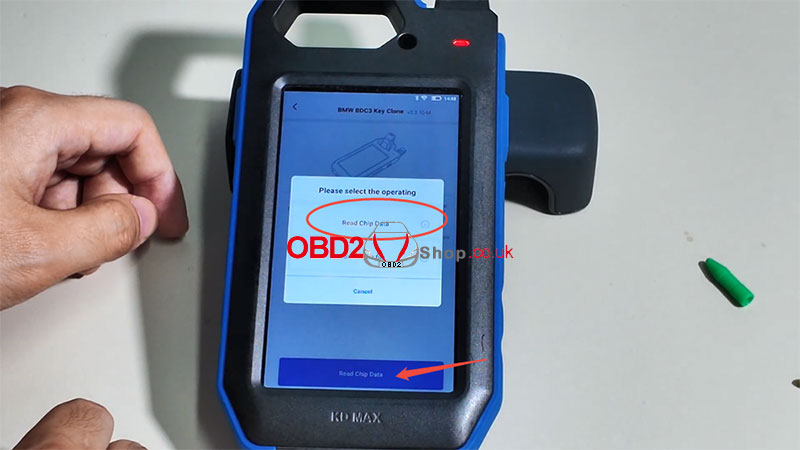
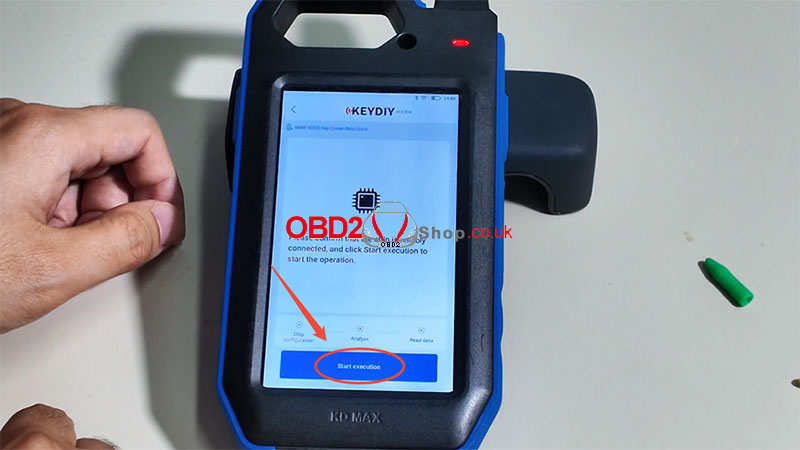
Choose [Smart Key Clone] ’ [Read Chip Data] ’ [Start Execution]
Wait for the data to be read.
File saved successfully!
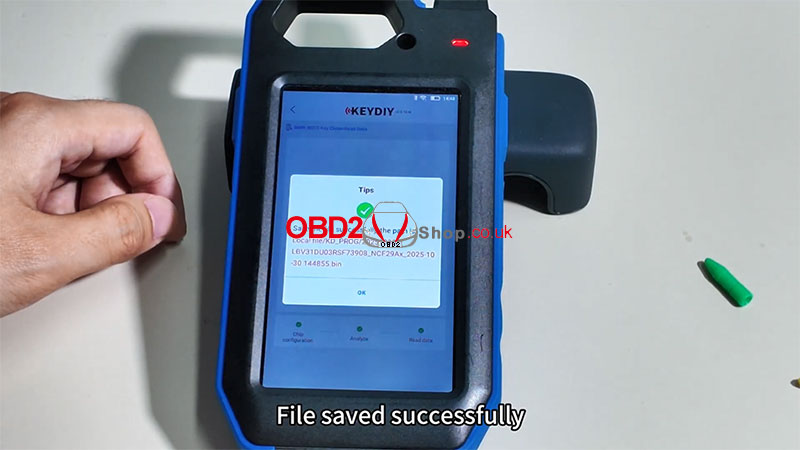
Step 4: Generate New Key Data
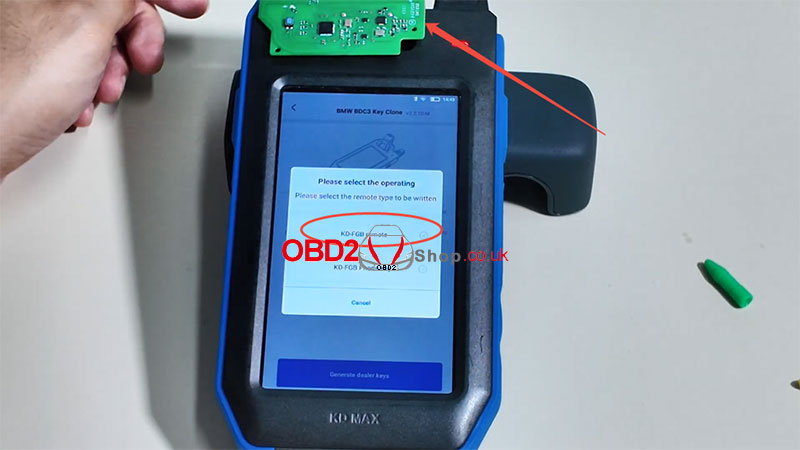
Remove the original car remote and place the KD FGB57 Board on the KD-MAX induction area.
Select [KD-FGB Remote].
The system will begin generating data.
Generation successful!
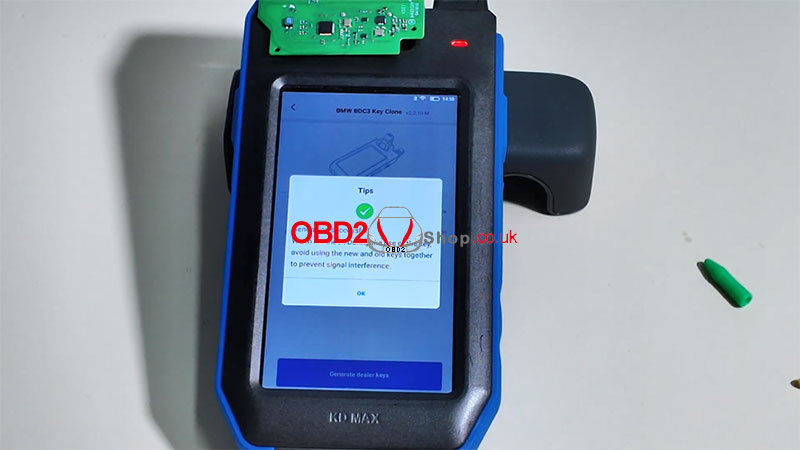
Step 5: Final Assembly
Reassemble the new key into its housing.
The key is now ready for use with the vehicle.
Additional Resources:
For a visual demonstration, watch the tutorial video:
https://youtu.be/z_xlzcO58sI
For more tools and accessories, visit:
www.obd2shop.co.uk
Post je objavljen 04.11.2025. u 08:49 sati.